Total Views
31
Read Time
10 min read
Updated On
10.11.2026
Introduction
Build an AI First CMS Where Users Edit Content Through Claude
Let your team edit blog posts by chatting with Claude. Here's the MCP architecture, the 6 tools to expose, the draft-only guardrails, and where a rich text editor fits.
TL;DR
An AI first CMS lets Claude search, draft and edit posts through an MCP server you control. Expose a few typed tools, save every AI edit as a draft, and let humans approve.
Content
Build an AI-First CMS Where Users Edit Content Through Claude
Most content teams still edit a blog the 2015 way. Log in, find the post, click into a field, change a sentence, hit save, repeat forty times. An AI-first CMS flips that. Your editors type "update every post that still says 2025 pricing and keep them as drafts," and Claude does the clicking for them, through tools you control.
This guide shows you how to build an AI first CMS where users edit content through Claude: the architecture, the MCP tools to expose, the guardrails that stop an AI from publishing something it shouldn't, and where a rich text editor like Eddyter fits for the humans who still want to write by hand.
What is an AI-first CMS?
An AI-first CMS is a content management system designed so an AI assistant can read, create, and edit content through a defined set of tools, not just generate text you paste in. People still review and publish. The difference is that the main way of editing becomes a conversation with an assistant like Claude, while the dashboard becomes the place you check its work.
Compare that with "CMS with AI features." Most platforms bolted a "Generate with AI" button onto a text field. Useful, but the AI only sees one field at a time. It can't find the 14 posts that mention an old product name, and it can't check your category structure before it files a new article.
The piece that made the AI first version practical is the Model Context Protocol (MCP), an open standard for connecting AI clients to external systems. You write an MCP server that exposes your CMS as tools. Claude calls those tools. Your database never has to be opened up to the model directly.
Why let users edit content through Claude?
Picture a Monday morning. Your product team renamed a feature over the weekend. Somebody now has to open every blog post, changelog and help article that mentions the old name.
In a traditional CMS that's an afternoon of search, open, edit, save. In an AI first CMS it's one message: "Find every post mentioning 'Smart Compose', replace it with 'AI Rewrite', and give me a list of drafts to review." Claude searches, edits, saves drafts, and hands back preview links.
Vendors who have shipped this are reporting big time savings. Agility CMS, which launched its MCP server in May 2026, says blog post creation dropped from 30–45 minutes to under five (their figures, not independently tested). Treat vendor numbers with care, but the direction matches what you'd expect when the slow part of the job, finding and clicking, goes away.
The bigger win is the work nobody does today because it's too tedious:
- Bulk fixes across hundreds of posts (dates, prices, broken internal links).
- Content audits ("which posts in the Tutorials category have no meta description?").
- Restructuring: splitting a 4,000-word post into a hub and three spokes.
- Translations saved as linked drafts per locale.
The architecture of an AI-first CMS
You need four layers. None of them are exotic.
Layer | What it does | Example |
|---|---|---|
AI client | Where the user types requests | Claude.ai, Claude Desktop, Claude Code |
MCP server | Exposes your CMS as a small set of typed tools, with auth | Node.js server using the official MCP TypeScript SDK |
Content store + API | Posts, revisions, categories, media, permissions | Postgres/Supabase, or your existing headless CMS API |
Human editor | Where people review and hand-edit what Claude drafted | A rich text editor such as Eddyter inside your admin |
The MCP server is the part that decides how safe this whole thing is. Claude can only do what your tools allow. If there's no delete_post tool, nothing gets deleted. Keep that in mind when you design the tool list; it's the single most important decision in the build.
How to build an AI first CMS with Claude, step by step
Step 1: Store content in a format a model can read and write
Claude works best with HTML or Markdown. If your editor saves a proprietary JSON tree (Lexical, ProseMirror, Slate), store a clean HTML version alongside it, or convert on the way in and out of the MCP server.
What goes wrong: teams expose raw editor JSON to the model. Claude edits it, nests a node wrongly, and the post won't render. Give the model HTML; let your server do the conversion.
Step 2: Define a small set of content tools
Start with five or six tools. Read tools are cheap and safe; write tools need more thought. A minimal set:
search_posts: find posts by keyword, status or category.get_post: return one post's HTML, SEO fields and metadata.create_draft: create a new post as a draft.update_post_draft: save a new draft revision of an existing post.list_categories: so Claude files content in places that already exist.request_publish: flags a draft for human approval (it does not publish).
Here's what two of those look like with the official MCP TypeScript SDK:
Notice the tool descriptions. Claude reads them to decide which tool to call, so "Never publishes" in the description is doing real work. Write them like instructions to a new hire.
What goes wrong: one giant run_query tool that takes raw SQL. It's tempting because it's flexible. It's also how a typo in a prompt becomes an UPDATE without a WHERE.
Step 3: Make every AI write a draft
This is the rule we'd defend hardest. Claude writes drafts. Humans publish.
Store each AI edit as a new revision with author: "claude" and a change note. Your admin then shows a diff, and the editor clicks approve. If Claude gets something wrong, you roll back one revision instead of hunting through a live post.
(Yes, it's slower than auto-publish. It's also the difference between "Claude fixed 80 posts for us" and "Claude broke 80 posts for us.")
Step 4: Add auth and per-user permissions
Use OAuth on the MCP server so each person signs in as themselves. Then Claude acts with that user's permissions: a contributor can create drafts, an editor can request publishing, and nobody gets more through Claude than they'd have in the dashboard.
Log every tool call with the user, the tool, the input and the result. When someone asks "who changed this headline?", the answer should be one query away.
Step 5: Connect your MCP server to Claude
Deploy the server over HTTPS, then in Claude.ai or Claude Desktop open Settings → Connectors → Add custom connector and paste the server URL. Sign in, and your CMS tools show up in the chat. Claude Code users can add the same server from the terminal.
Test with read-only prompts first: "List my last ten drafts." "Which posts have no category?" Only turn on write tools once those answers look right.
Step 6: Give human editors a proper editor for review
An AI first CMS still needs a great place for people to write. Reviewing a Claude draft means reading it, fixing a sentence, adding a screenshot, maybe rewriting the intro. A plain textarea makes that miserable.
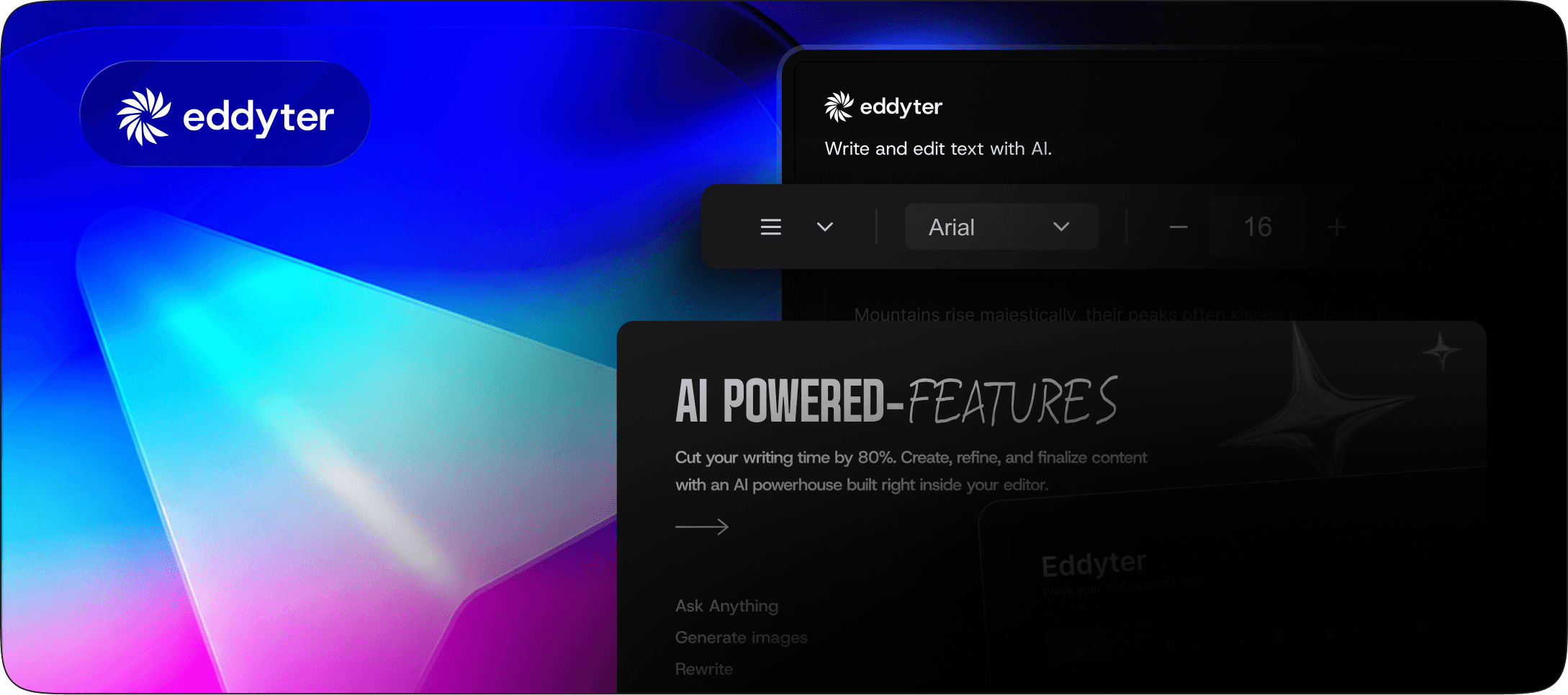
This is where Eddyter comes in. It's an AI rich text editor you drop into your admin in about 10 minutes, with formatting, tables, image upload, comments and built-in AI writing tools that run without you managing your own API keys. Claude handles the bulk edits through MCP; your editors polish inside Eddyter.
Control the editor itself from Claude
Here's a part most guides skip. Your content isn't the only thing you'll want to change by chat. The editor's configuration changes too: turn off AI chat for a client, enable comments for a review cycle, check how many AI credits are left this month.
Eddyter ships its own MCP server for that. Add https://mcp.eddyter.com/mcp as a connector, sign in, and you can ask Claude things like:
- "Is my Eddyter key valid?"
- "What editor features do I have enabled?"
- "Turn off AI chat in the editor."
- "Give me the SSR-safe setup for Vue 3."
To be clear about scope: the Eddyter MCP manages editor configuration and setup on your license key. It doesn't read or edit your documents. Content editing goes through the CMS MCP server you build in the steps above. Running both connectors side by side gives Claude control over the content and the editor that displays it, with changes to editor features applying live, no redeploy.
What to let Claude do, and what to lock
Action | Risk | Our default |
|---|---|---|
Search and read posts | Low | Allow |
Create new drafts | Low | Allow |
Edit existing posts as drafts | Medium | Allow, with revision history |
Edit SEO title, meta, slug | Medium | Allow as draft; slug changes need a redirect |
Publish | High | Human approval only |
Delete or unpublish | High | Don't expose a tool for it |
Slugs deserve a special note. Claude will happily "improve" a slug, and that quietly breaks every backlink pointing at the old URL. Either block slug edits on published posts or have the tool create a 301 redirect automatically.
Common mistakes when building an AI first CMS
Too many tools. Thirty tools with overlapping names confuse the model, and it picks the wrong one. Start with six. Add more when users ask for something the current set can't do.
Returning whole posts in search results. A search that returns full HTML for 50 posts eats Claude's context window and slows every answer. Return IDs, titles and slugs; let get_post fetch the body.
No change notes. If a revision just says "updated," your reviewers can't tell what Claude meant to do. Make changeNote a required field and Claude will fill it in.
Skipping the human editor. Some teams assume that if Claude writes, the editing UI doesn't matter. Then the first review cycle happens in a textarea and everyone hates it.
Frequently asked questions
Can Claude edit my CMS content directly?
Yes, if you give it tools to do so. Claude connects to your CMS through an MCP server that exposes actions like searching, reading and saving drafts. It can only perform the actions those tools define, with the permissions of the signed-in user.
Is it safe to let an AI edit a live website?
It's safe when every AI change is saved as a draft revision and a person approves publishing. Don't expose delete or publish tools, log every tool call, and use per-user OAuth so Claude never has more access than the person using it.
Do I need to replace my existing CMS to make it AI first?
No. Most teams build an MCP server on top of the CMS or database they already have. WordPress, Contentful, Sanity and custom Supabase or Postgres setups can all sit behind an MCP server.
Does the Eddyter MCP server edit my blog posts?
No. The Eddyter MCP server manages your editor's configuration, license status, AI credit usage and integration code. Content editing is handled by the CMS MCP server you build, while Eddyter is the editor your team uses to review and refine drafts.
Start with one tool this week
You don't need the whole system on day one. Ship search_posts and get_post, connect them to Claude, and let your team ask questions about their own content for a week. You'll learn which write tools they want before you build them.
When you're ready for the human side, install Eddyter in your admin and connect the Eddyter MCP to Claude. Your editors get a proper writing experience, and you get to manage it from the same chat window as everything else.

Written by
Shreya Taneja
Project Manager
Frequently Asked Questions
Can Claude edit my CMS content directly?
Yes, if you give it tools to do so. Claude connects to your CMS through an MCP server that exposes actions like searching, reading and saving drafts. It can only perform the actions those tools define, with the permissions of the signed-in user.
Is it safe to let an AI edit a live website?
It's safe when every AI change is saved as a draft revision and a person approves publishing. Don't expose delete or publish tools, log every tool call, and use per-user OAuth so Claude never has more access than the person using it.
Do I need to replace my existing CMS to make it AI-first?
No. Most teams build an MCP server on top of the CMS or database they already have. WordPress, Contentful, Sanity and custom Supabase or Postgres setups can all sit behind an MCP server.
Does the Eddyter MCP server edit my blog posts?
No. The Eddyter MCP server manages your editor's configuration, license status, AI credit usage and integration code. Content editing is handled by the CMS MCP server you build, while Eddyter is the editor your team uses to review and refine drafts.