Total Views
151
Updated On
19.10.2026
Introduction
Content Preview: See Rich, Structured Output Instantly as You Write
Automatically generate clean, real-time previews of your content as you write or paste links—so you can review layout and formatting without extra steps.
Content
Content Preview
Writing shouldn’t feel like guessing.
You shouldn’t have to switch to a separate preview mode just to see how your content will actually look when published.
With Content Preview, rich, structured previews appear instantly as you write or paste content—giving you real-time visibility into layout, formatting, and embedded elements.
What you see is what your readers get.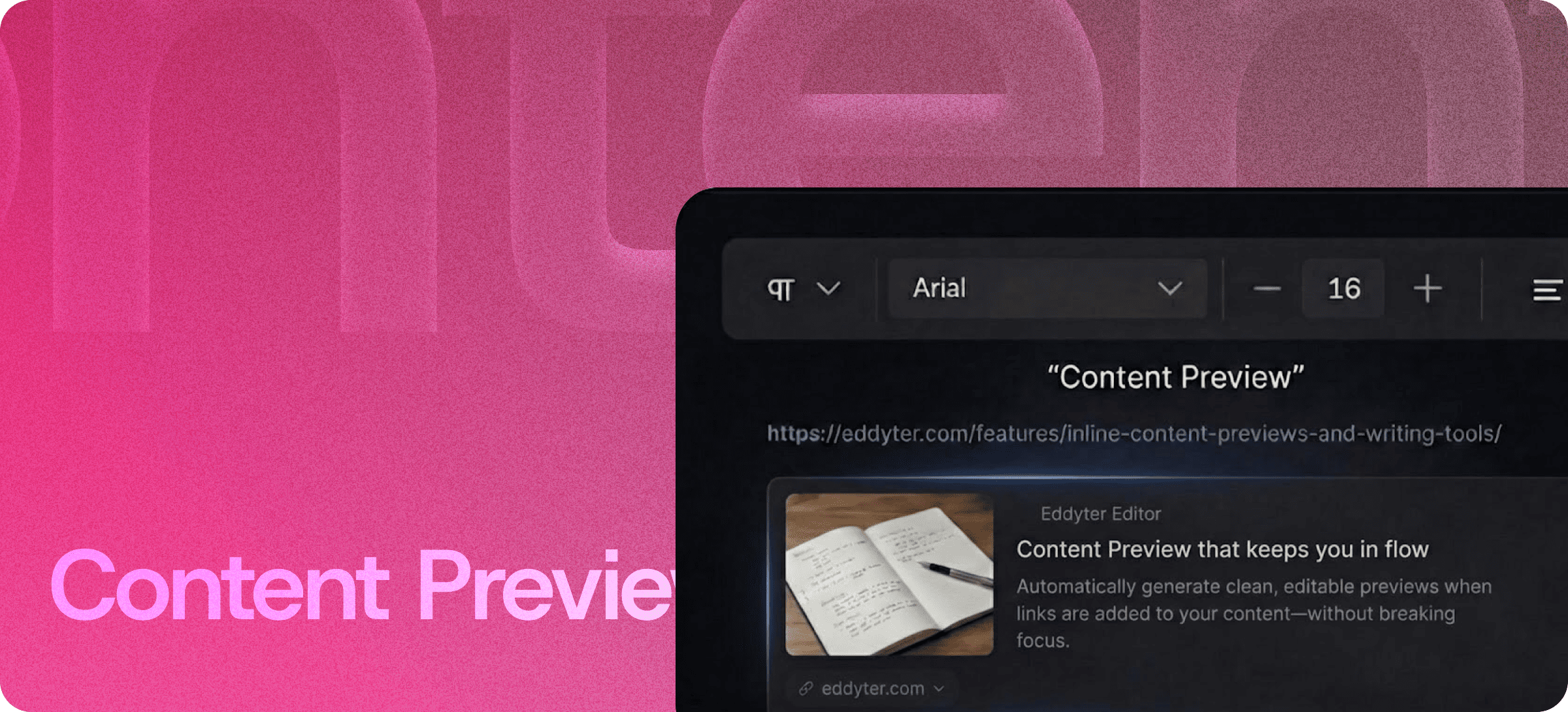
✨ Real-Time Content Rendering
The moment you:
- Paste a link
- Insert structured content
- Add formatted text
- Embed media
The system automatically generates a clean preview inside your editor.
No reload.
No separate preview tab.
No back-and-forth switching.
Everything renders in place.
Want to see your content exactly as users will? Explore Eddyter’s real-time preview features: https://eddyter.com/features/content-preview
🔗 Automatic Link Previews
Instead of showing raw URLs, Content Preview transforms links into structured visual cards that include:
- Title
- Description
- Image (when available)
- Source information
This keeps your document clean, professional, and readable—without manual formatting.
🧠 Write with Confidence
When you can see how your content will look in real time, you:
- Catch formatting issues instantly
- Spot layout inconsistencies early
- Adjust spacing before publishing
- Maintain visual hierarchy
- Improve readability
You stop writing blind and start writing intentionally.
🚀 Consistent Across Content Types
Content Preview isn’t limited to one format.
It supports:
- Links
- Embedded media
- Structured content blocks
- Rich formatting elements
- Tables and layouts
No matter what you add, the preview stays consistent and responsive.
⚡ Stay in Flow
Traditional editors often require:
Write → Save → Preview → Go back → Fix → Repeat
That loop kills momentum.
Content Preview removes those extra steps. You remain inside the same editing environment while seeing the final output quality in real time.
Your focus stays on the content—not the process.
🎯 Built for Modern Workflows
Content Preview is ideal for:
- SaaS documentation
- Blog publishing
- Product pages
- Knowledge bases
- Internal documentation
- Marketing content
If presentation matters, previewing instantly becomes essential.
🔥 Publish with Confidence
Formatting errors reduce credibility.
Broken embeds look unprofessional.
Misaligned content damages user experience.
With automatic, real-time previews, you know exactly how your content will appear before it goes live.
Write once.
See instantly.
Publish confidently.
Preview your content in real time and publish with confidence using Eddyter’s smart editor. Try it now: https://eddyter.com