Eddyter
  • HOME
  • WHY EDDYTER
  • FEATURES
  • PRICING
  • What's New

    Find newly launched features

    Blogs

    View Eddyter's writings and contents

    Tutorials

    Watch Tutorials and know more about Eddyter

    Release Notes

    Find what's upcoming in eddyter

  • CONTACT US
  • DOCS
Eddyter
Eddyter

Stay updated with new features & AI improvements.

  • Home
  • Why Eddyter
  • Features
  • Blogs
  • Release Notes
  • Pricing
  • Contact US
  • FAQ

Follow Us

Watch Tutorials

© Copyright 2026 Eddyter.
Product by Craxinno Technologies LLC

Refund PoliciesPrivacy PoliciesTerms & Conditions
Back to Features
Content Preview
Content Preview

Available on

All plans

Total Views

110

Updated On

25.02.2026

Features

Use case

Content Preview

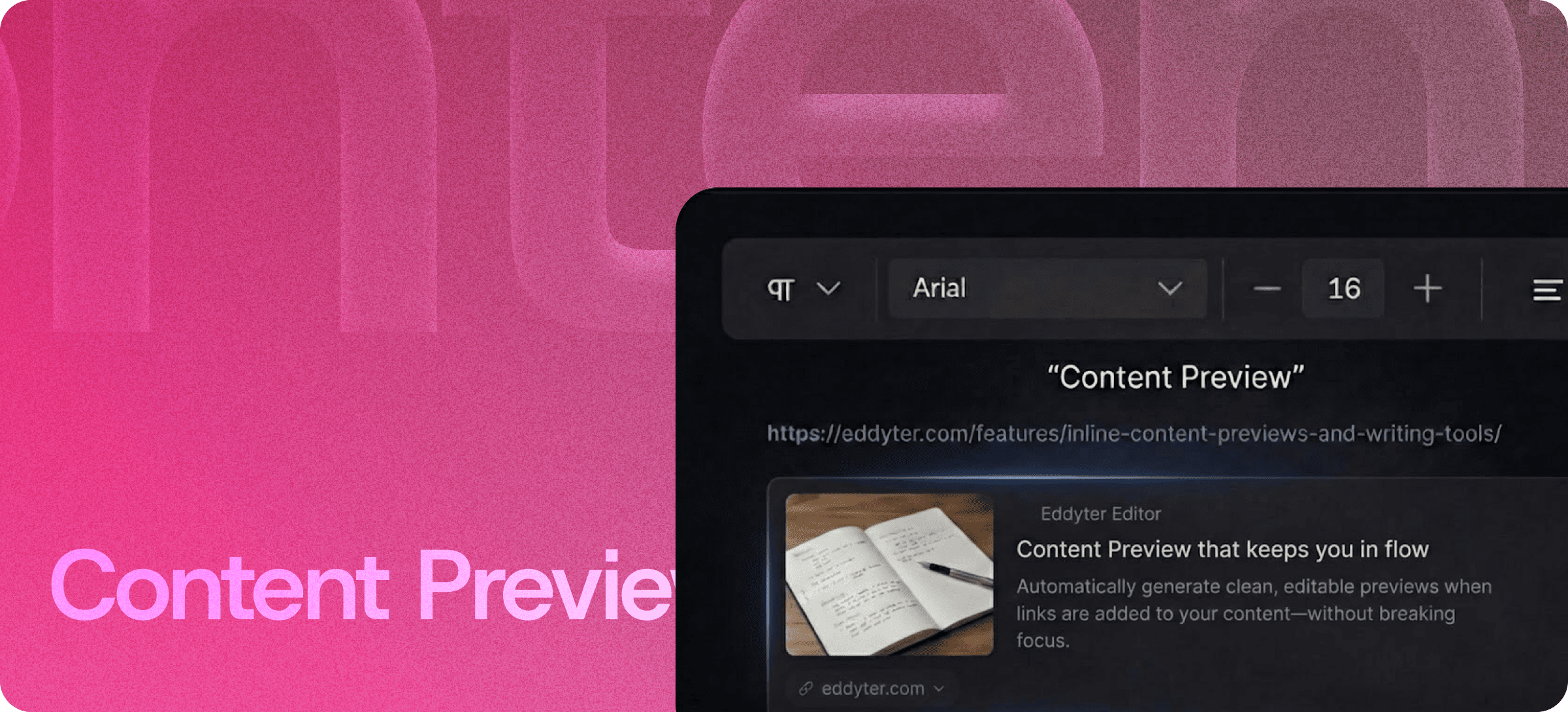
Automatically generate clean, editable previews when links are added to your content — without breaking layout or formatting.

  • Instantly preview external links while writing or editing content
  • Review embedded links and their display before publishing
  • Create rich, readable content with minimal formatting disruptions
  • Enhance collaboration by sharing content with live, updated previews
  • Improve the user experience by keeping content dynamic and engaging


Content Preview 5.png

Summary

Instant Link Previews. Effortless Content Review.

The Content Preview feature automatically generates rich, readable previews when you paste URLs into your content. Whether you're adding links to websites, articles, or other resources, this tool ensures the link displays in a clean, consistent manner, saving you time and preventing formatting mishaps.

Quick Setup, Instant Results
Simply paste your link into the content editor, and watch the preview materialize instantly. There’s no need for additional manual formatting — the preview is automatically styled to match your document, keeping everything cohesive and easy to follow.

Maintain Flow and Focus
With Content Preview, you no longer have to worry about breaking your writing flow while working with external links. Previews are added seamlessly, and you can continue editing without any interruptions. You get to see how your content will look in real-time, ensuring everything is ready for final publishing.

Clarity Without the Extra Work
Not only does Content Preview enhance readability by displaying a link preview, but it also ensures that the link is presented in the best possible way for your audience. With one glance, readers will know exactly what to expect, improving their overall engagement.

Try Now

Recommended Features

View feature
Features
HTML Code

HTML Code

Use Eddyter’s HTML Code Editor with real-time preview to write, edit, and test HTML instantly. Build custom layouts and control your markup without switching tools.

  • Live Preview
  • Seamless Workflow
  • Lightweight Environment
View feature
Features
HTML Canvas

HTML Canvas

Use Eddyter’s HTML Canvas to write, edit, and preview HTML with live feedback. Build custom layouts, embed components, and control your content structure easily.

  • Dedicated HTML editing space
  • Live visual preview
  • Full markup control
View feature
Features
Drag and Drop

Drag and Drop

Use Eddyter’s drag and drop editor to organize content visually. Move and rearrange blocks easily while keeping layout, structure, and formatting intact.

  • Visual Content Building
  • Effortless Reordering
  • Ly-out safe editing