Total Views
243
Read Time
7 min read
Updated On
19.10.2026
Introduction
Drag and Drop: Visually Build and Rearrange Content Without Breaking Layouts
Rearrange sections, headlines, and content blocks instantly with a flexible drag-and-drop system that keeps your formatting and structure intact.
Content
Drag and Drop
Editing content shouldn’t feel fragile.
You shouldn’t have to cut, paste, scroll, fix spacing, and repair formatting every time you want to move a section.
With Drag and Drop, you can visually rearrange your content blocks without breaking layouts, spacing, or structure. Just grab, move, and place.
It’s editing the way it should be.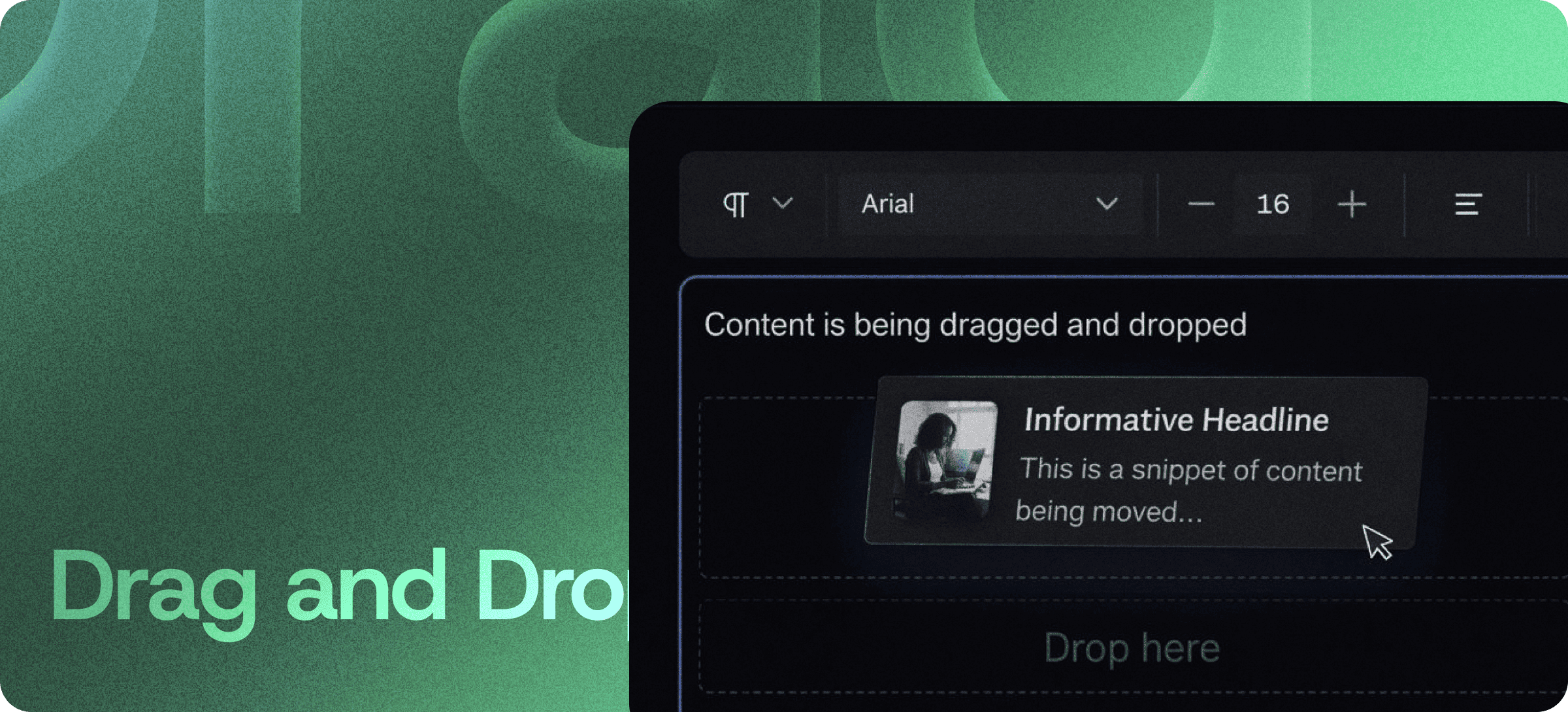
✨ Build Visually. Think Structurally.
When you write long-form content, documentation, or structured pages, organization matters.
Drag and Drop lets you:
- Move entire sections instantly
- Reorder headings and paragraphs
- Restructure content blocks
- Adjust layout flow visually
- Keep formatting intact automatically
No formatting damage. No layout chaos.
Want to organize content faster? Explore Eddyter’s drag-and-drop editor features: https://eddyter.com/features/drag-and-drop
🚀 Effortless Reordering
Traditional editing usually means:
- Highlight → Cut
- Scroll → Paste
- Fix spacing
- Adjust styles
- Realign headings
That workflow wastes time and introduces errors.
Drag and Drop eliminates the friction. You simply select a content block and move it to its new position. Everything adjusts intelligently around it.
🧱 Layout-Safe Editing
One of the biggest challenges in rich text editing is maintaining structure.
Drag and Drop ensures:
- Headings remain headings
- Paragraph spacing stays consistent
- Lists keep formatting
- Embedded media stays aligned
- Layout hierarchy remains intact
You can restructure confidently — without fear of breaking your page.
🎯 Perfect For
This feature is ideal for:
- Blog post structuring
- SaaS documentation editing
- Landing page creation
- Knowledge base management
- Content marketing workflows
- Long-form article refinement
When your content grows, your structure should stay flexible.
🧠 Visual Content Building
Instead of thinking in raw text, you start thinking in content blocks.
That shift makes it easier to:
- Improve flow
- Fix narrative order
- Optimize conversion sections
- Test content structure
- Create better reading experiences
You see your content as a system — not just paragraphs.
🔥 Save Time. Reduce Errors.
Every manual cut-and-paste increases the chance of:
- Broken spacing
- Duplicate text
- Lost formatting
- Misplaced media
Drag and Drop removes those risks while speeding up editing dramatically.
Structure Without Stress
Content evolves.
Your editor should adapt with it.
Drag, move, drop — and stay focused on writing instead of formatting.
Rearrange your content effortlessly with Eddyter’s drag and drop editor. Try it now: https://eddyter.com