Drag-and-Drop Editing — Reorder Content Blocks Without Breaking Layout
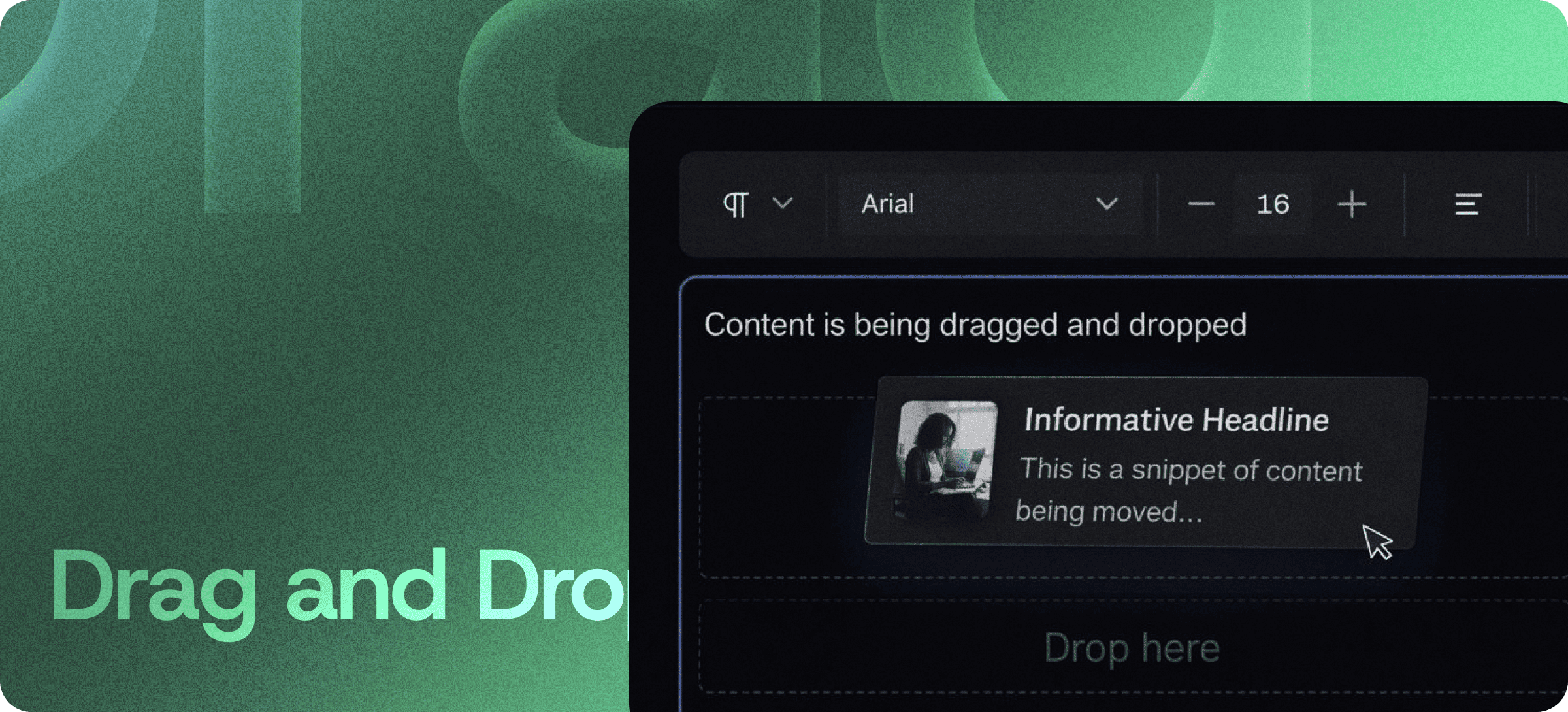
Eddyter's drag-and-drop editor lets you restructure content visually — not by cutting, pasting, and rebuilding sections from scratch. Grab any block (headings, paragraphs, lists, tables, images, embeds) and drop it where it belongs. Layout, spacing, and formatting stay intact, every time.
No more highlight-cut-paste-reformat cycles. No more accidentally breaking a list, a table, or a heading hierarchy. Just visual editing that works the way it should.
Build Content Visually, Not Mechanically
Most rich text editors force you to edit content the way you'd edit a Word document from 2003 — select text, cut, scroll, paste, fix the formatting that broke. Eddyter treats content as blocks instead.
Each section of your document is a block you can grab and move:
- Move a paragraph above a heading
- Reorder a list of bullet points
- Pull a code snippet up to the top of a tutorial
- Drop an image into a different section
- Reshuffle entire content sections during a review
The structure of your document stays clean throughout. No broken lists, no orphaned headings, no formatting cleanup afterward.
Rearrange Without Breaking Layout
This is where Eddyter's drag-and-drop pulls ahead of cut-paste editing. When you move a block, Eddyter automatically preserves:
- Spacing between sections
- Formatting (bold, italic, color, links, code)
- Heading hierarchy (H1 → H2 → H3 stays valid)
- List nesting (sub-bullets stay attached to parents)
- Embedded media (YouTube, images, tables move as a unit)
Your document remains clean, consistent, and readable — even after major restructures.
Perfect for Structured, Long-Form Content
Drag-and-drop is most powerful for content that needs clear organization and frequent restructuring:
Documentation Pages
Reorder sections during reviews. Move "Quick Start" above "Installation" without rewriting either.
Knowledge Base Articles
Restructure help articles for better reader flow. Surface the most-asked sections at the top.
Blog Drafts and Editorial Reviews
Editors can shuffle sections during review cycles without touching the actual prose.
Reports and Proposals
Reorder executive summary, methodology, findings, and appendix sections on the fly.
Landing Pages and Feature Comparisons
Reshuffle product sections, testimonials, and comparison tables to test different content orders.
Built Directly Into the Editor
Drag-and-drop isn't a plugin or third-party add-on. It's part of the standard Eddyter editor and ships on every plan, including Free.
For developers integrating Eddyter into a SaaS app, that means:
- Zero plugin configuration
- No drag-and-drop library to evaluate, install, or maintain
- No layout-bug debugging when content moves
- Works out of the box in React and Next.js apps
Setup details are in the Eddyter Documentation. New to the editor? What is Eddyter? is a 2-minute walkthrough of how it works.
Simple, Intuitive, Layout-Safe
The interaction model is exactly what you'd expect:
- Hover over a block — a drag handle appears
- Click and drag the handle
- Drop the block where you want it
- Continue editing — no cleanup needed
No complex menus. No shortcut combos to memorize. No formatting issues to fix afterward.
Teams ship cleaner content faster because the editing model matches the way humans actually think about restructuring documents.
Why It Matters in 2026
Content is never finished — it's constantly evolving. Sections get refined, ideas get reorganized, structures change as products mature. The editors that slow you down on restructuring slow your entire content engine.
- Documentation that ships at product velocity requires fast, reliable restructuring.
- Editorial review cycles get faster when reviewers can move sections instead of writing "move this up" comments.
- Content teams scale better when restructuring takes seconds instead of minutes.
Eddyter's drag-and-drop removes the friction at every step. If you're evaluating Eddyter end-to-end, Integrate Eddyter in 30 Minutes walks through full setup including drag-and-drop, AI features, and tables.
Drag-and-Drop at a Glance
Capability | Eddyter Drag-and-Drop |
|---|
Block-level drag-and-drop | ✅ Yes |
Preserves spacing and formatting | ✅ Yes |
Preserves heading hierarchy | ✅ Yes |
Works on tables, images, embeds | ✅ Yes |
Mobile and tablet support | ✅ Yes |
Available on Free plan | ✅ Yes |
Works in React / Next.js apps | ✅ Yes |
Third-party library required | ❌ No |
Frequently Asked Questions
1. Can I drag and drop tables, images, and embedded media?
Yes. Tables, images, YouTube/Vimeo embeds, code blocks, and lists can all be moved as single blocks. Their internal formatting stays intact.
2. Does drag-and-drop work on mobile?
Yes. Drag-and-drop is supported across desktop, tablet, and mobile.
3. Will moving a block break my heading hierarchy?
No. Heading levels (H1 → H2 → H3) and list nesting are preserved automatically when you reorder content.
4. Is drag-and-drop available on the Free plan?
Yes. Drag-and-drop ships with every Eddyter plan, including Free.
5. Does this work inside React or Next.js apps?
Yes. Eddyter is a drop-in React component, and drag-and-drop is part of the standard editor — no extra configuration required.
6. Can multiple users drag-and-drop in the same document collaboratively?
Real-time collaboration features are available depending on plan. Refer to Eddyter docs for the full collaboration spec.
Why It Matters
Restructuring content shouldn't be the slowest part of writing it. Drag-and-drop turns layout decisions into a one-second action — so you can keep your content organized without slowing down your workflow.
Try Eddyter Free →