Total Views
298
Read Time
4 min read
Updated On
19.10.2026
Introduction
Rearrange Content: Reorder Blocks Without Breaking Your Layout
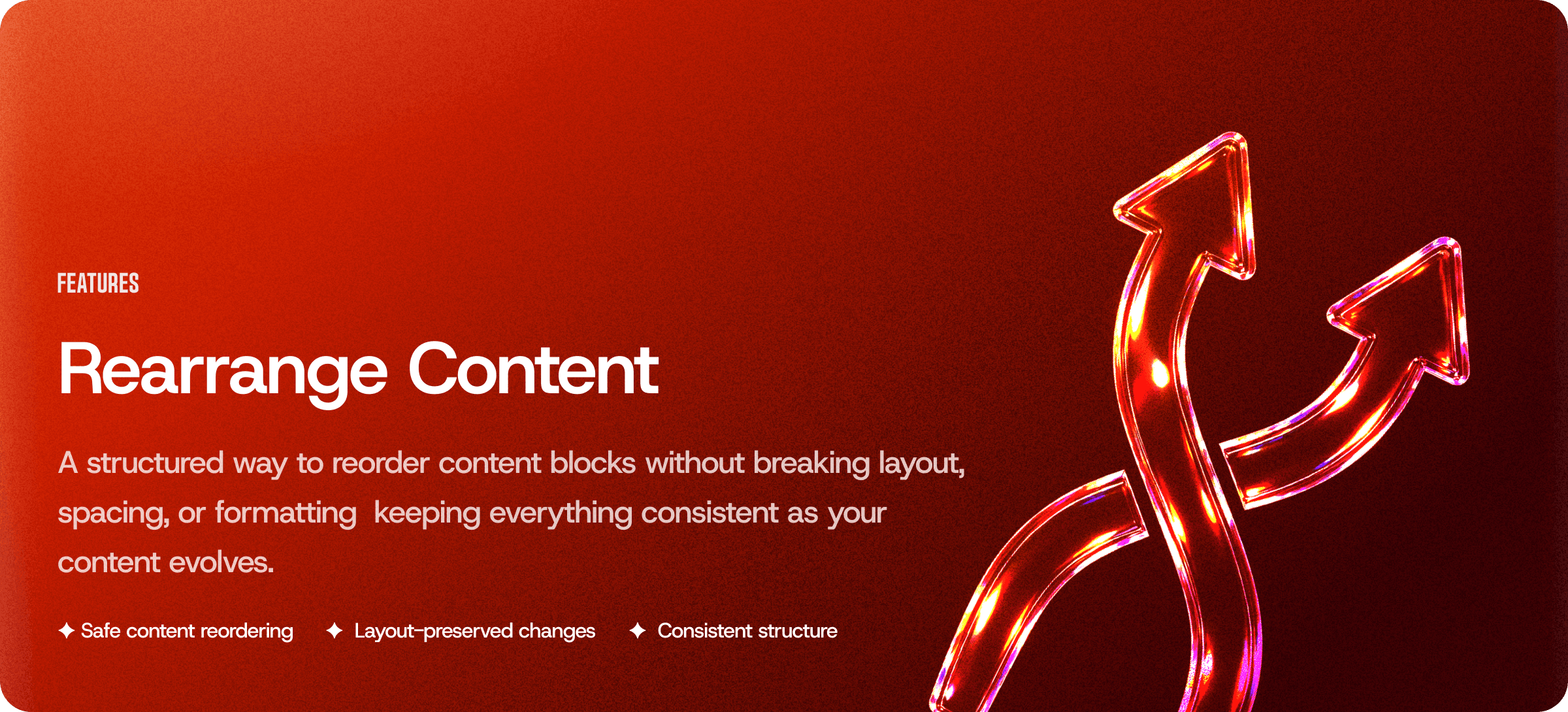
Easily move and reorder content blocks while preserving layout, spacing, and formatting—so your structure stays consistent as your content evolves.
Content
📝 Content
Rearrange Content
Content rarely comes out perfect the first time.
Ideas shift. Sections expand. Priorities change. What started as a rough draft turns into something more refined—and that usually means moving things around.
The problem? Most editors make reordering risky. Move the wrong section and spacing breaks. Formatting shifts. Layout collapses.
Rearrange Content fixes that.
It gives you a structured way to reorder content blocks instantly—without damaging layout, formatting, or visual consistency.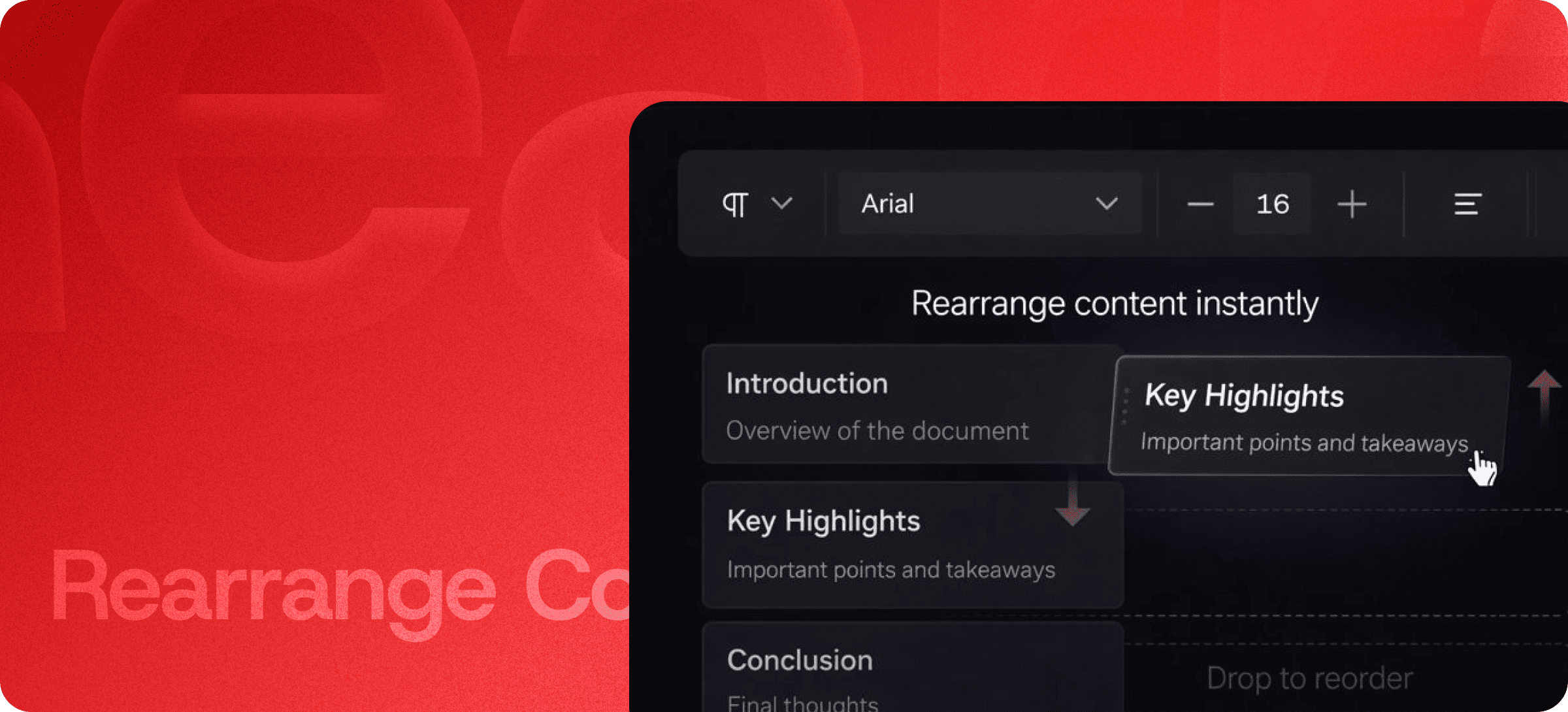
🔄 Move Blocks, Not Chaos
Instead of cutting and pasting text (and hoping nothing breaks), you can:
- Drag and reorder entire sections
- Move highlights above introductions
- Push conclusions down
- Restructure key points instantly
Each block maintains its formatting, spacing, and alignment automatically.
No cleanup required.
Want to restructure your content without breaking layout? Explore Eddyter’s content editing features: https://eddyter.com/features/rearrange-content
🧱 Layout-Preserved Changes
Traditional reordering often creates:
- Broken spacing
- Duplicate styles
- Misaligned headings
- Inconsistent margins
- Unintended formatting overrides
With structured content blocks, layout rules stay intact.
When you move a block, you’re not moving raw text—you’re moving a complete unit with preserved styling.
The structure stays clean.
⚡ Rearrangement Without Workflow Disruption
You shouldn’t have to:
Select → Cut → Scroll → Paste → Fix formatting → Adjust spacing → Repeat
Rearrange Content removes that friction.
Just drag the section where it belongs. The editor handles everything else behind the scenes.
Fast adjustments. Zero formatting anxiety.
📐 Consistent Structure at Scale
As documents grow larger, structure becomes more important.
Rearrange Content helps maintain:
- Clear hierarchy
- Logical content flow
- Predictable formatting
- Stable layouts
- Organized long-form documents
Whether it’s a product page, documentation article, blog post, or internal guide—your structure remains consistent even as content evolves.
Launch Eddyter Quickly with AI Tools in Just 30 Minutes
🚀 Built for Iteration
Content creation is iterative by nature.
You might:
- Rewrite your intro after finishing
- Promote a section to the top
- Combine two sections
- Reorder feature highlights
- Adjust flow for readability
With safe content reordering, iteration becomes effortless instead of risky.
Change direction without consequences.
🎯 Perfect for Structured Workflows
Rearrange Content is ideal for:
- Marketing teams refining messaging
- Product teams updating documentation
- Founders iterating on landing pages
- Writers restructuring long-form content
- Agencies revising client drafts
When structure matters, safe reordering becomes essential. Integrate Eddyter in 30 Minutes Using AI Tools
🔥 Structure That Evolves With You
Content is never static.
As your message improves, your structure should adapt just as easily.
Rearrange Content ensures that as you move sections around, your layout remains clean, consistent, and visually intact.
Edit freely.
Reorder confidently.
Publish without fear.
Rearrange and manage your content effortlessly with Eddyter’s structured editor. Try it now: https://eddyter.com