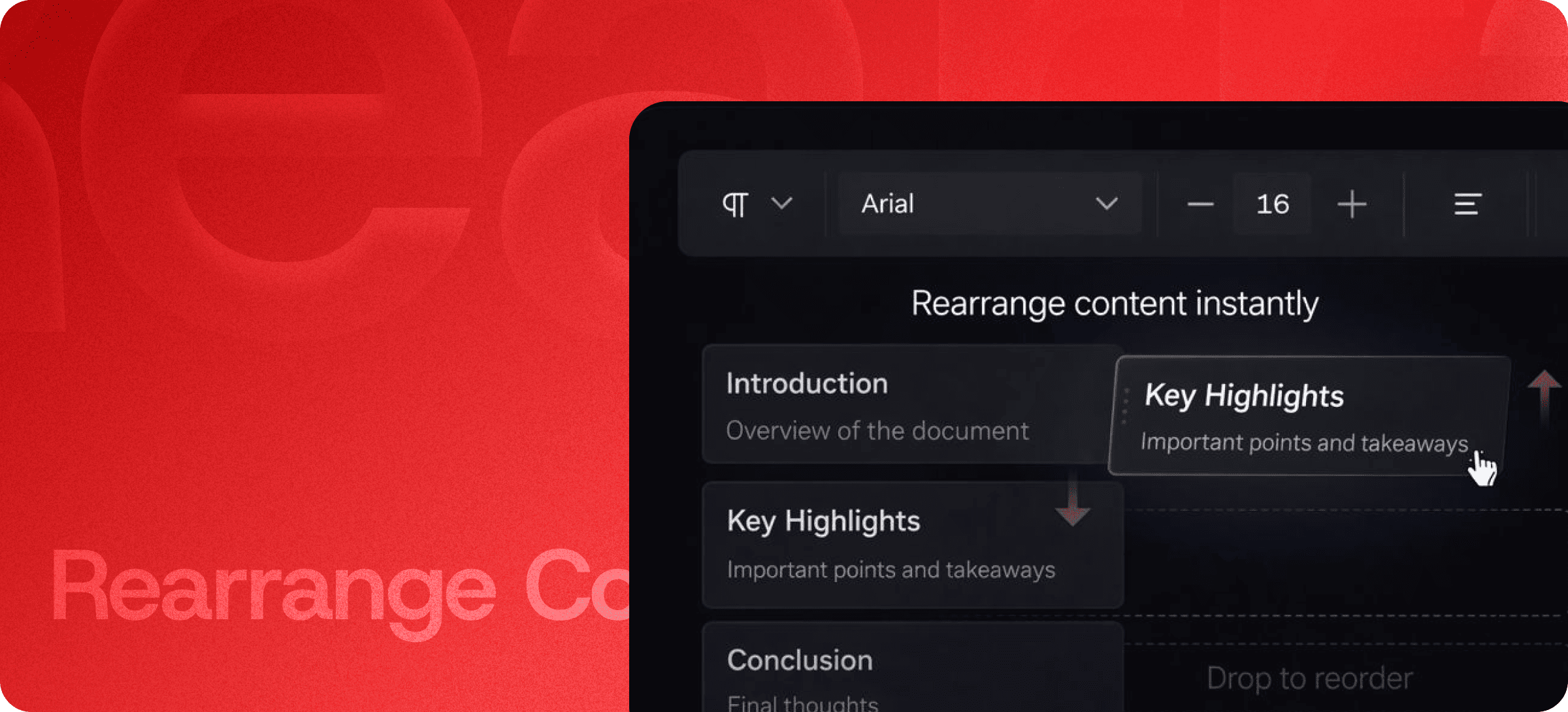
What is Rearrange Content?
Rearrange Content is a drag-and-drop feature that allows you to move content blocks anywhere within your document.
It ensures that all formatting, structure, and design remain intact—even when you reorganize large sections.
Instead of copying, pasting, and fixing layout issues, you can simply move blocks and continue working.
Organize Content Faster
🔄 Drag-and-Drop Reordering
Move content blocks effortlessly:
- Reorder sections in blog posts
- Adjust flow in documentation
- Restructure proposals and reports
- Organize long-form content
Just drag, drop, and your content updates instantly.
⚡ Real-Time Updates
As you rearrange content, changes are reflected immediately in your document.
- No reloads
- No delays
- No interruptions
This keeps your workflow smooth and uninterrupted.
🎯 Preserved Formatting
Your layout stays exactly as it should:
- Spacing remains consistent
- Styles are preserved
- Structure stays intact
No matter how many changes you make, your content always looks clean and professional.
Why Rearrange Content Matters
Manually reorganizing content can be time-consuming and frustrating—especially when formatting breaks.
The Rearrange Content feature removes that complexity by giving you full control over your document structure without any risk.
It helps you:
- Save time
- Maintain consistency
- Improve readability
- Work more efficiently
Built for Real Workflows
The Rearrange Content feature is ideal for:
- Blog writing and editing
- Product documentation
- Proposal structuring
- Report creation
- Email and newsletter drafting
It allows both individuals and teams to refine content structure quickly and efficiently.
Explore More Features
Enhance your workflow with other Eddyter features:
- Quick Toolbar (Slash Commands)
- Floating Toolbar
- HTML Code Editing
- AI Content Enhancement
Together, they create a complete, flexible content editing experience.
Start Organizing Content Effortlessly
Eddyter’s Rearrange Content feature helps you structure, refine, and organize content without breaking your layout.
👉 Drag. Drop. Done.
Try Eddyter and experience smarter content organization.