Total Views
223
Updated On
19.10.2026
Introduction
Table: Structure and Manage Data Without Breaking Your Layout
Create, edit, and manage structured tables directly inside your editor with clean formatting, consistent layouts, and responsive design.
Content
Table
Structured data deserves structured editing.
Whether you’re comparing features, presenting pricing, organizing documentation, or displaying analytics — tables help bring clarity to complex information.
The Table feature lets you create and manage tabular data directly inside your content without disrupting layout, spacing, or formatting.
No messy HTML. No broken alignment. No formatting chaos.
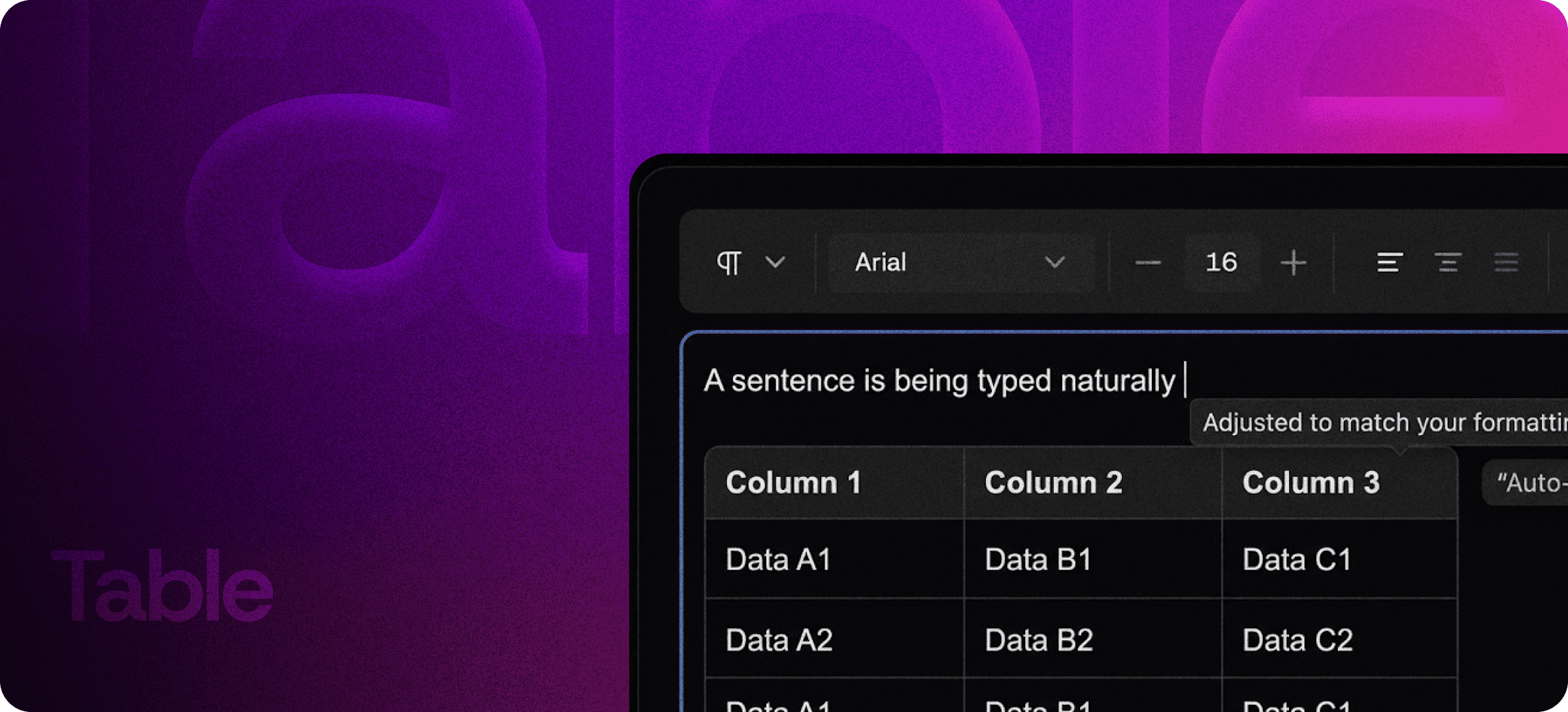
Rich Table Editing
Tables aren’t just static grids. They’re dynamic content blocks.
With Table, you can:
- Add or remove rows and columns
- Edit content inline
- Maintain consistent formatting
- Keep headings structured
- Adjust layout without breaking flow
Everything works naturally inside your editor.
Want to organize your data better? Explore Eddyter’s table editing features: https://eddyter.com/features/table
Consistent Structure
One of the biggest challenges with tables in traditional editors is layout instability.
The Table system ensures:
- Clean column alignment
- Consistent cell spacing
- Proper heading hierarchy
- Stable formatting across edits
- Seamless integration with surrounding content
- Your tables stay structured — even as your content evolves.
Clean, Responsive Layouts
Tables often break on smaller screens.
This system is designed to maintain readability and layout integrity across different devices. Your structured data remains clear, organized, and visually consistent.
No horizontal overflow disasters.
No crushed layouts.
No readability compromises.
Ideal Use Cases
Tables are powerful across multiple workflows:
- SaaS feature comparisons
- Pricing breakdowns
- Roadmaps and planning grids
- Technical documentation
- API parameter references
- Internal data tracking
- Knowledge base articles
Any time clarity depends on organized data, tables become essential.
Edit Without Friction
In many editors, tables feel like external objects — hard to control and easy to break.
Here, tables behave like native content blocks.
You can:
- Navigate cells smoothly
- Update data quickly
- Modify structure instantly
- Keep styling consistent
It feels integrated, not patched in.
AI-Powered Editing Made Easy with Eddyter
Keep Data Clear and Professional
Messy tables damage credibility.
Clean, structured, responsive tables:
- Improve readability
- Increase trust
- Help users compare information quickly
- Enhance decision-making
When your data looks organized, your product feels polished.
Structured Content Made Simple
Complex information doesn’t need complex tools.
With a flexible table system built directly into your editor, you can structure, edit, and manage data effortlessly — while keeping your layout intact.
Organize clearly.
Edit confidently.
Present professionally.
Create clean, structured tables effortlessly with Eddyter’s built-in table editor. Try it now: https://eddyter.com