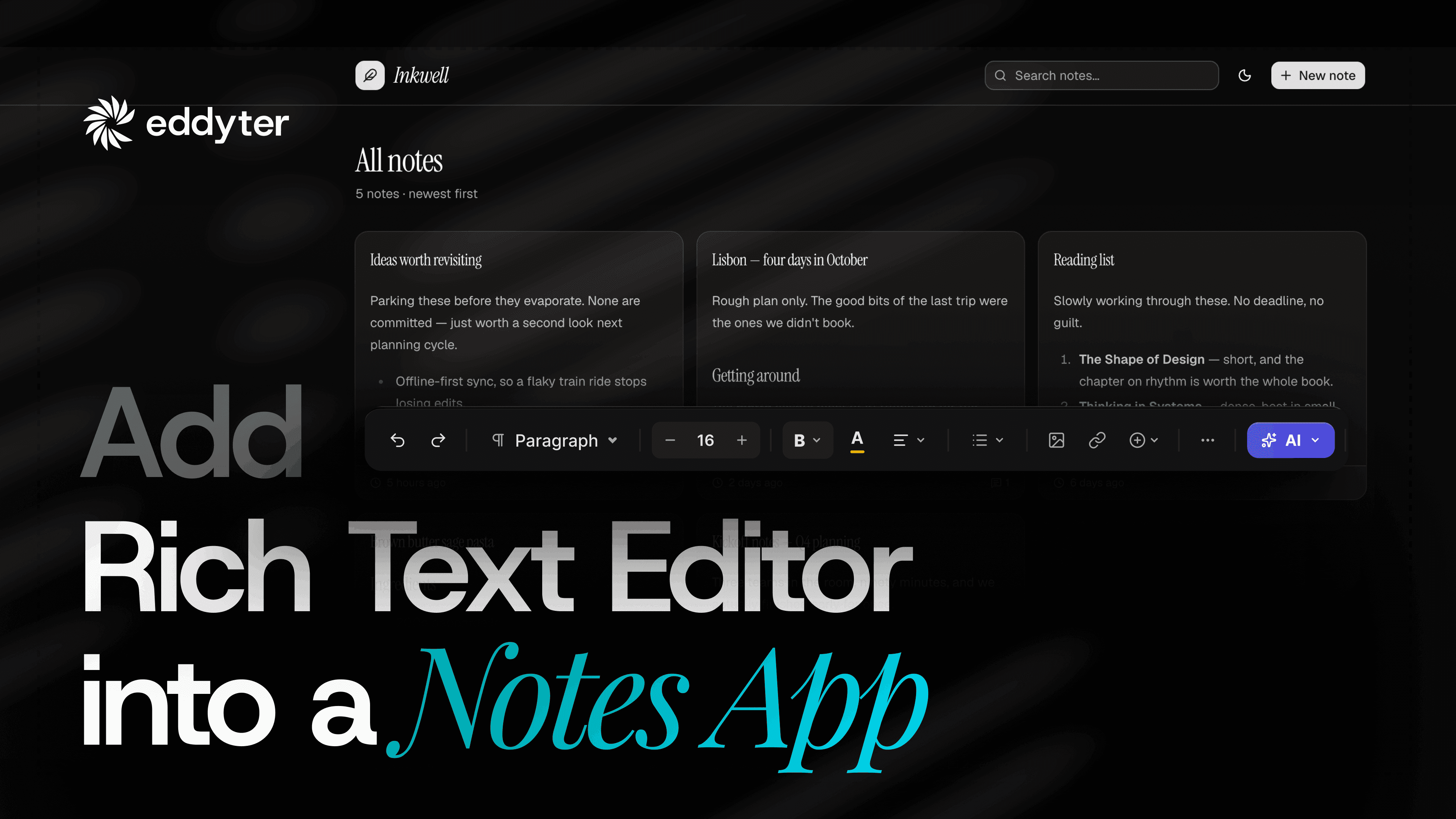
Rich text editor integration usually eats a day. This took four minutes.
Not four minutes of typing. Four minutes of watching an AI tool do it.
The app is an event management system. It has a notes section. That section is a plain field today. No bold. No lists. No images.
Paste formatted content into it and everything flattens. Headings become sentences. Lists become runs of text.
This walkthrough fixes that on a live app.
What happens in the video
Nothing is mocked. The app is real. The notes save.
- Paste rich content into the plain field, and watch it flatten
- Create a license key and name it
- Turn features on and off from that key
- Copy the quick-start prompt for your framework
- Hand the prompt to an AI coding tool
- Add the key
- Mount the editor on the notes section
- Paste the same content again, with the editor in place
- Drop in images, then resize and align them
Run time is six minutes. The install itself takes under four.
The part that changed
Rich text editor integration used to mean reading docs. You would wire the component. You would handle the paste. You would test the toolbar.
Now the quick start gives you a prompt. You copy it. Your AI tool reads it and writes the integration.
You still do two things by hand. You create the license key. You paste it in. That is the whole manual part.
There is a manual walkthrough too, if you would rather see every line yourself. Both routes end in the same place.
Features are controlled by the key, not the code
This is the part most people miss on first watch.
Every toolbar feature is toggled from the license key. At runtime. In the dashboard.
In the video, 55 features are on. Turning one off is a switch, not a deploy.
That matters more than it sounds. Your writers want tables. Your comment box does not. Same package, two keys, two feature sets. No conditional rendering in your code.
Create your first key on the license key page.
Why the paste survives
The editor stores structure. Not a flat string.
Paste a heading and it stays a heading. Paste a list and the bullets hold. Drop an image in and its alignment travels with it.
That is where the time goes back. It is not the toolbar. You stop owning the path between what someone types and what a reader sees.
That path is where the bugs live. A stray tag. A list that lost its bullets. A quote that arrived as plain text. Every one of those is a ticket.
What you need before you start
- An app with a text field worth upgrading
- React, Next.js, Vue, Angular, Svelte or plain JS
- A license key
bash
1
npm install eddyter
That is the list. There is a Laravel package on Packagist as well.
Which frameworks work
React and Next.js. Vue. Angular. Svelte. Plain JavaScript. Laravel.
The quick start has a prompt for each one. Pick yours, copy it, paste it into your tool.
The editor runs on Lexical, the editor framework from Meta. It ships from npm.
Where this fits in your app
Notes are the example here. They are not the point.
Anywhere a user types more than a sentence is a candidate. Event descriptions. Internal notes. Ticket bodies. Product copy. Help articles. Comments.
If the field currently strips formatting, someone on your team is already working around it. Usually by pasting into a doc first, then pasting the result, then fixing what broke.
What it costs to build instead
You can build one. Teams do.
You will need paste handling. Then image upload. Then alignment. Then undo. Then a sanitiser, because someone will paste from Word. Then mobile.
None of that is hard alone. Together it is a quarter of engineering that is not your product. And it never quite finishes, because there is always one more format someone pastes.
Rich text editor integration through a package moves that work off your board.
Common questions
Do I have to rewrite the form? No. You swap one field.
Will existing entries break? No. They render as they do now.
Can I change features later? Yes, from the license key, at runtime.
Do I need the AI tool? No. The manual route is documented.
Is there a free tier? Yes. Start there.
The four minutes, minute by minute
Minute one goes on the license key. Name it, pick your features, create it.
Minute two is the prompt. Open the quick start. Pick your framework. Copy.
Minute three is the AI tool working. You watch. It installs the package, adds the provider, and wires the component into the page you pointed it at.
Minute four is the key. Paste it where the tool asks. Save.
Then the editor is on screen. That is the whole clock.
What changes for the people using it
They stop asking you for things.
No more "can you make this bold." No more "the spacing broke again." No more writing in a doc and pasting the result in and hoping.
They get a toolbar. Bold, lists, links, tables, images. Everything stays where they put it.
You get your afternoon back.
After you ship it
Open one old entry and one new entry.
Old entries render as they always did. Nothing migrates. Nothing breaks on deploy.
New entries carry structure from the first keystroke. Over a few weeks the field fills up with the second kind.
That is the migration plan. There is no cutover day and no backfill script.
Watch the walkthrough
The video sits above. Six minutes, start to finish, on a live app.
Plans and limits are on the pricing page.