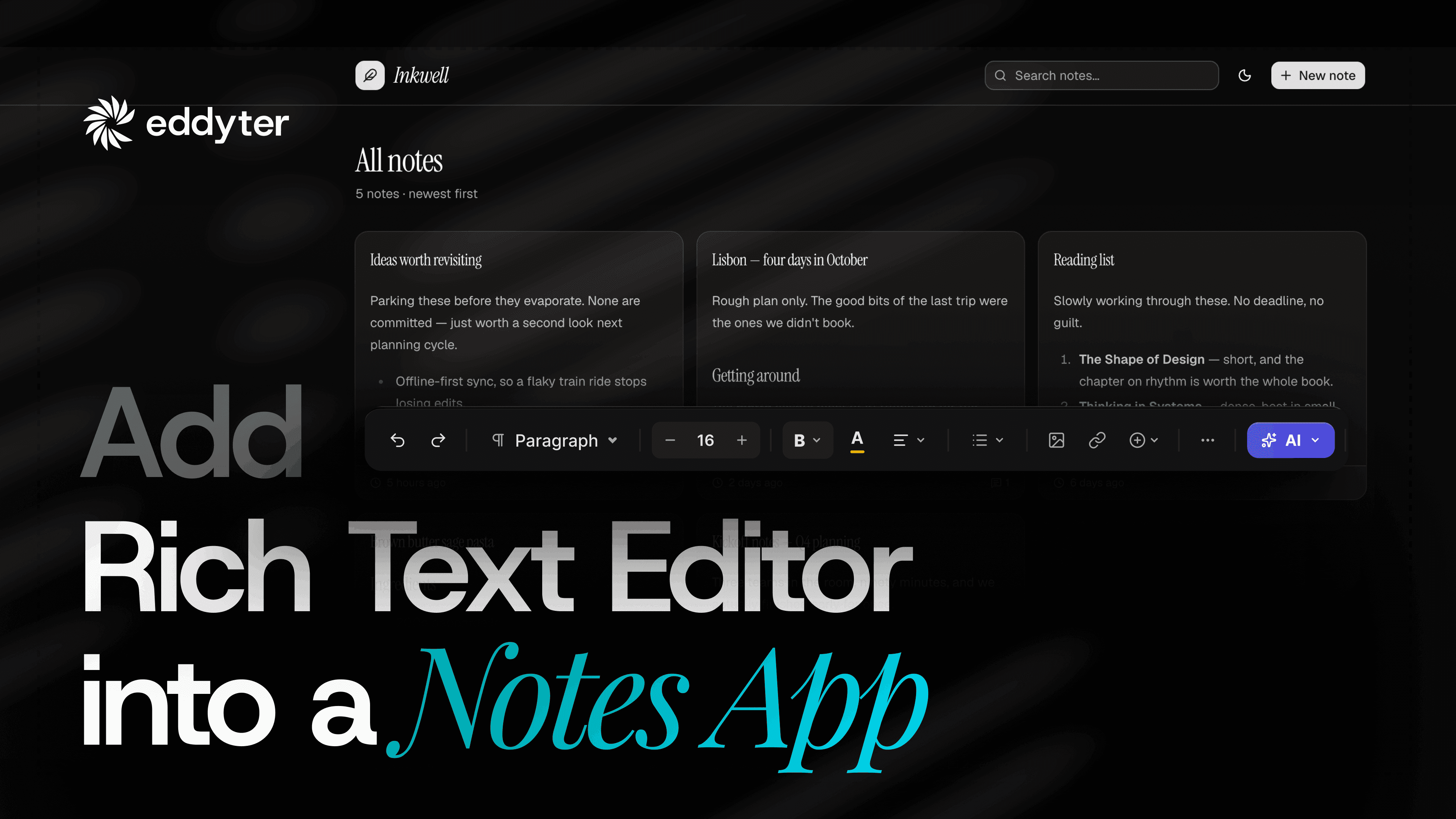
Rich text editor paste formatting is where most fields fail
Copy a section with headings, a table and some styling. Paste it into a plain text field.
Everything flattens. The table becomes a run of words. The headings become sentences. The structure is gone and there is no way to get it back.
This video does that paste twice in the same app. Once into a plain field. Once into an editor. Then it opens both notes side by side.
The app is a notes tool. Nothing is mocked. Both notes save and both get opened.
What happens in the video
- Create a license key and copy it
- Paste formatted content into the plain notes field
- Save it as "Without Editor" and open it
- Copy the quick-start prompt for Next.js
- Let the AI tool add the editor, on the clock
- Paste the license key when it asks
- Create a second note with the editor in place
- Paste the same content again
- Watch the table come across intact
- Open both notes back to back
- Switch the app to light mode and watch the editor follow
Run time is seven minutes.
Tables are the real test
Text is easy. Any field holds text.
Tables are where paste handling breaks. A table is nested structure — rows inside a body, cells inside rows, alignment on each. Flatten any layer and you get a wall of words.
In the video the table arrives whole. Rows, cells, header styling. It looks the same on both sides of the copy.
If a table survives, everything simpler survives too. That is why it is the one to watch.
HTML and CSS come across intact
Rich text editor paste formatting works because the editor keeps the markup behind the content.
The clipboard carries HTML. A plain field throws it away and keeps the text. An editor reads it and keeps the structure.
So headings stay headings. Bold stays bold. Lists keep their bullets. Spacing holds.
Your template then renders what the editor stored. You are not writing a parser in between.
The theme detection nobody expects
This is the last minute of the video and it is the best minute.
Switch the app to light mode. The editor changes with it.
No theme prop. No config object. No class you have to remember to pass down. It reads the host application and re-themes itself.
Most editors make theming your problem. You end up writing overrides, then writing more overrides when a release changes a class name.
Try it on the live demo in both modes.
Two notes, one screen
The comparison is the whole argument.
Same source content. Same app. Same paste action. Two different fields.
The first note reads like a log file. The second reads like something you would publish.
Nothing changed in the app template between them. The difference is entirely in what the field stored.
What you need before you start
- An app with a text field
- React, Next.js, Vue, Angular, Svelte or plain JS
- A license key from the license key page
bash
1
npm install eddyter
Setup runs under ten minutes end to end. Most of that is the AI tool working while you watch.
Which frameworks work
React and Next.js. Vue. Angular. Svelte. Plain JavaScript. Laravel through Packagist.
The quick start has a prompt for each. Copy yours and hand it to your tool.
The editor is built on Lexical, Meta's editor framework, and ships from npm.
Where this fits
Notes are the example. They are not the limit.
Anywhere someone types more than a sentence. Ticket bodies. Internal docs. Product descriptions. Event details. Comments. Help articles.
If your field strips formatting today, someone is already working around it. Usually by writing in a doc, pasting the result, then fixing what broke.
What building it costs
Paste handling alone is a project.
You need clipboard parsing. Then a sanitiser, because someone will paste from Word. Then table normalisation. Then image handling. Then the same again for Safari.
Then theming. Then mobile. Then undo across all of it.
None of it is your product. And it never finishes, because there is always one more source someone pastes from.
Common questions
Does the table really survive? Yes. Rows, cells and header styling.
Do I need to configure dark mode? No. It reads the host app.
Will old notes break? No. They render as they do now.
Can I paste from Google Docs? Yes, and from Word and from web pages.
Is there a free tier? Yes.
What your writers stop asking you
Broken formatting is a support queue you built for yourself.
"Why did my heading disappear." "Can you fix the spacing on that note." "The table came out as one long line."
Every one of those is someone working around a field that threw their content away. They write in a doc first. They paste. They fix. They give up and send you a screenshot.
Rich text editor paste formatting removes the whole loop. They paste, it holds, they save.
What to check after you ship
Open one old note and one new note.
Old notes render exactly as before. Nothing migrates. Nothing breaks on the deploy.
New notes carry structure from the first keystroke. After a few weeks the field fills with the second kind on its own.
Then switch themes once. Confirm the editor follows. That is the whole acceptance test.
A note on the clock
The video shows the install honestly, including the wait.
The AI tool takes a couple of minutes to add the package, wire the provider and verify the toolbar. That time is real and it is on screen.
What it is not is your time. You are watching, not typing. The two things you do by hand are creating the key and pasting it in.
Watch the walkthrough
The video sits above. Seven minutes, one app, two notes.
Plans and limits are on the pricing page.