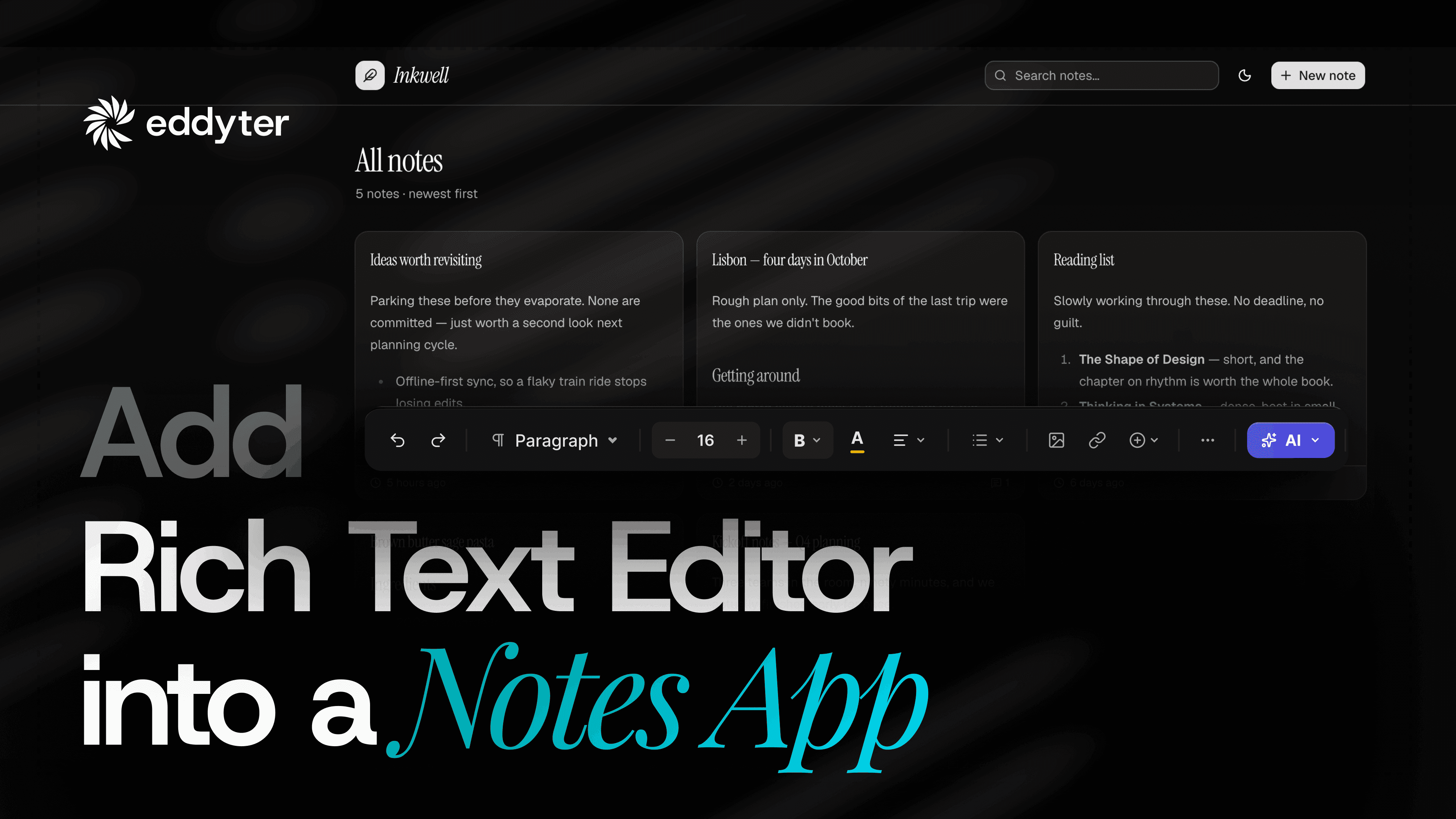
Want a white label rich text editor that looks like it was built in-house? The footer strip at the bottom of Eddyter, with its word and character count, Suggest a Feature link, Report a Bug link and version number, is controlled by four switches on your license key. Turn them off and the editor ends exactly where your UI ends.
Why hide the editor footer?
If you ship Eddyter inside your own product, or white-label an app for a client, your users should not see feedback links or build numbers that belong to a third-party tool. Hiding the footer gives your writers a cleaner, distraction-free editing surface that matches your brand.
How to hide the footer from your license key
- Open your license key page and select the key you want to configure.
- Scroll to the Editor footer section at the bottom of the key configuration.
- Toggle off the items you do not want your users to see.
- Click Update to save, then refresh your app.
The four footer switches
- Word & character count: the live counter on the left.
- Suggest a feature: the feedback link.
- Report a bug: the bug report link.
- Version number: the build number on the right.
The running editor picks up the change automatically. No code change, no redeploy.
Different settings for different audiences
Each license key carries its own settings. You can leave the word counter on for your internal writers and strip the footer entirely on the surface your customers see. Same package, two keys.
The license key page also shows your key list with usage and renewal dates, plus settings for the HTML view, locked features and recent images.
Get started
Install the package from npm with npm install eddyter, read the Eddyter documentation, or compare plans on the pricing page.