Key Capabilities
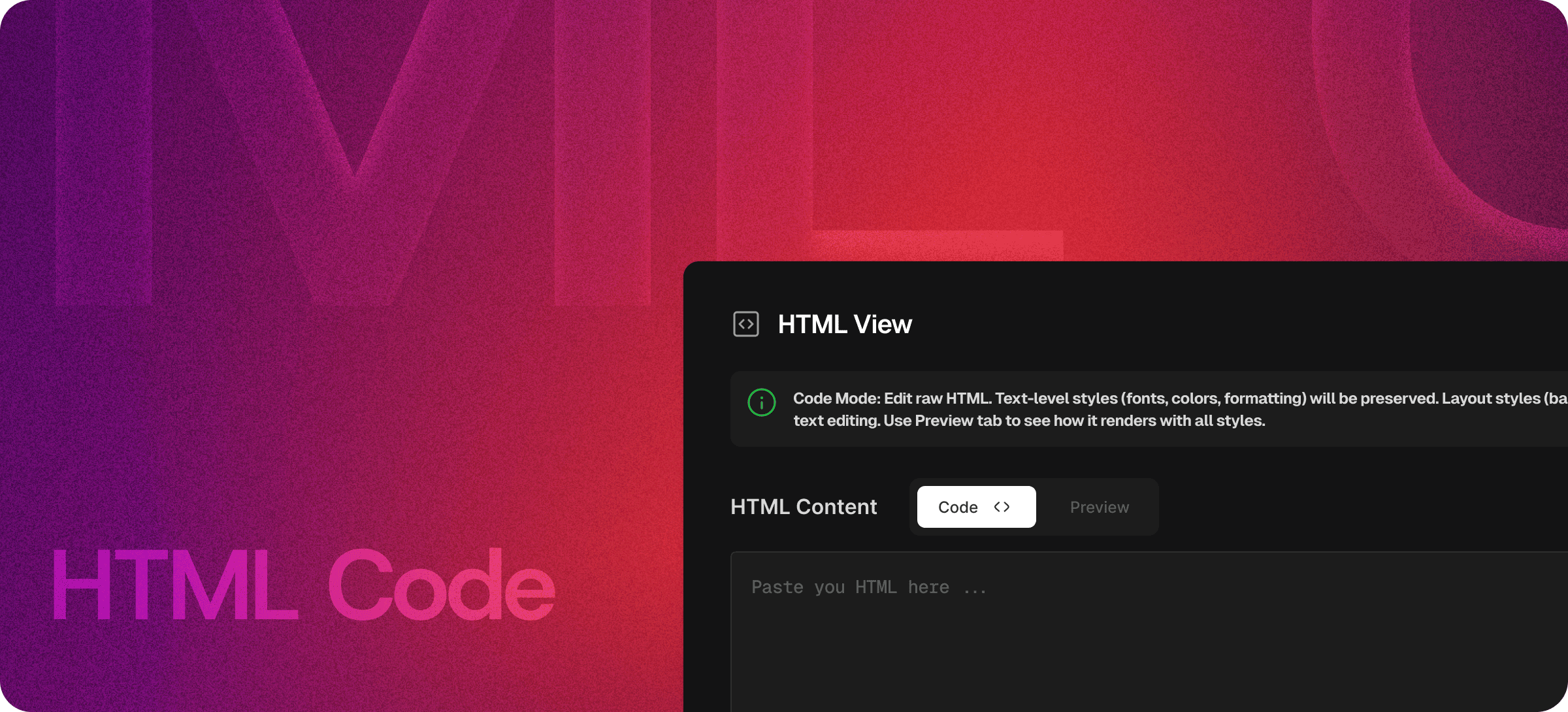
- Write custom HTML sections inside documentation
- Embed styled UI components or elements
- Edit markup for advanced formatting
- Preview HTML blocks before publishing
- Insert and modify third-party embed code
- Create technical documentation with precise markup control
Edit HTML Without Leaving Your Editor
Eddyter’s HTML Code feature eliminates friction from your workflow. Instead of switching between multiple tools, you can write and edit raw HTML directly within the editor.
Stay focused on your content while maintaining full control over structure and output. Whether you're adding a small snippet or building a complex section, everything happens in one place—saving time and improving efficiency.
No external editors or preview tools required. Eddyter brings everything together into a single, streamlined environment.
Real-Time Preview
One of the most powerful aspects of Eddyter’s HTML Code feature is its live preview capability.
As you write or modify HTML, Eddyter instantly renders the output—so you can see exactly how your content will appear. This real-time feedback helps you:
- Quickly validate your markup
- Experiment with layout and structure
- Adjust styles and formatting on the fly
- Catch errors before publishing
Instead of guessing how your code will look, you get immediate visual confirmation—speeding up development and improving accuracy.
Built for Developers and Advanced Editing
While many editors focus only on visual formatting, Eddyter goes further by supporting advanced HTML editing for developers and technical users.
Use HTML Code for:
- Custom components and layouts
- Embedded widgets and integrations
- Styled content blocks
- Technical documentation
- Interactive elements
- Third-party embeds (iframes, scripts, etc.)
It gives you the flexibility to create complex, high-quality content without limitations.
Seamless Editing Workflow
Switching between writing, coding, and previewing can break your flow. Eddyter keeps everything inside a single, unified editor so you can move seamlessly between HTML and live preview.
This allows you to:
- Stay focused on content creation
- Iterate faster on layouts and designs
- Maintain consistency across documents
- Work more efficiently with fewer interruptions
The result is a smoother, more productive editing experience.
Why It Matters
Modern content goes beyond simple text and images. From embedded tools to custom UI elements, advanced content requires direct control over markup.
Eddyter’s HTML Code feature ensures you're never limited by basic editors. You can create clean, structured, and fully customized content—without sacrificing speed or usability.
By combining raw HTML editing with real-time preview and a unified workflow, Eddyter bridges the gap between developers and content creators.
Start Building with Full Control
Take complete control of your content with Eddyter’s HTML Code Editor and create exactly what you need—without limitations.
👉 Try Eddyter Now