Eddyter
  • HOME
  • WHY EDDYTER
  • FEATURES
  • PRICING
  • What's New

    Find newly launched features

    Blogs

    View Eddyter's writings and contents

    Tutorials

    Watch Tutorials and know more about Eddyter

    Release Notes

    Find what's upcoming in eddyter

  • CONTACT US
  • DOCS
Eddyter
Eddyter

Stay updated with new features & AI improvements.

  • Home
  • Why Eddyter
  • Features
  • Blogs
  • Release Notes
  • Pricing
  • Contact US
  • FAQ

Follow Us

Watch Tutorials

© Copyright 2026 Eddyter.
Product By Craxinno Technologies LLC

Refund PoliciesPrivacy PoliciesTerms & Conditions
Back to Features
HTML Canvas
HTML Canvas

Available on

All plans

Total Views

206

Updated On

01.04.2026

Features

Use case

HTML Canvas

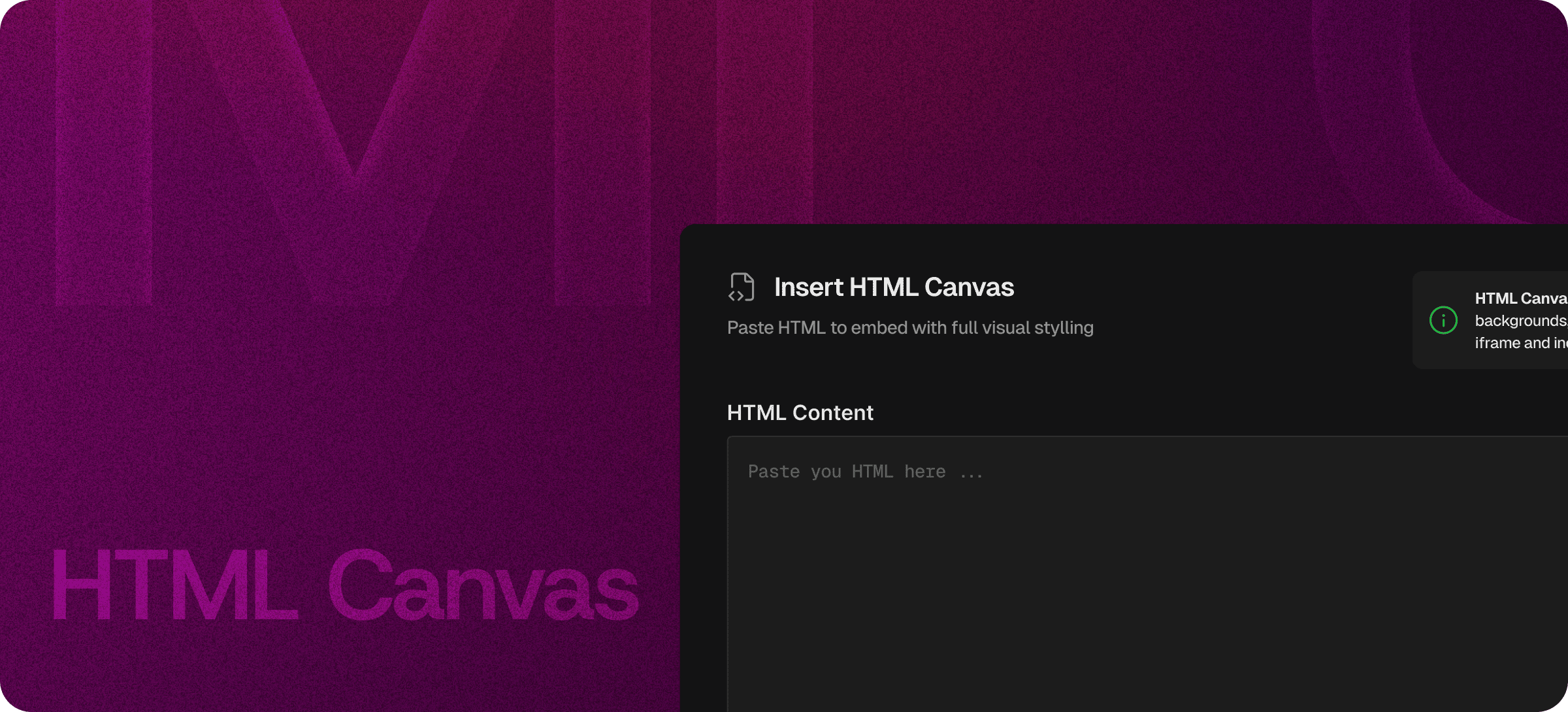
Use Eddyter’s HTML Canvas to write, edit, and preview HTML with live feedback. Build custom layouts, embed components, and control your content structure easily.

HTML Canvas – Build and Edit Custom HTML Layouts Instantly

Work with raw HTML in a dedicated workspace designed for flexibility and control. Eddyter’s HTML Canvas lets you write, paste, and edit markup with a live preview—so you can build custom layouts without leaving your editor.

Whether you're embedding components or creating structured documentation, HTML Canvas gives you complete control over layout and structure.

👉 Start Building with HTML Canvas

Enchance Content with AI   9.png

Summary

Key Capabilities

  • Embed custom HTML components inside documents
  • Create advanced layouts and styled sections
  • Insert interactive elements or widgets
  • Paste and modify third-party embed code
  • Build structured documentation with custom markup
  • Preview HTML blocks before publishing

Full Control Over Your Markup

Eddyter’s HTML Canvas provides a dedicated space for working directly with HTML.

You can write, paste, or edit markup while instantly seeing how it will appear in your content. This makes it easy to build custom layouts, customize structure, and embed advanced components—all within a single editor.

No need to rely on external tools or switch environments.


Live Visual Preview

As you edit HTML, Eddyter renders a live preview so you can immediately see the results.

There’s no need to refresh pages or switch tabs—every change appears in real time. This helps you iterate faster, test layouts, and make precise visual adjustments with confidence.


Built for Developers and Advanced Content

HTML Canvas is designed for developers, technical writers, and advanced users who need more control.

Use it for:

  • Custom UI components
  • Embedded widgets and integrations
  • Interactive sections
  • Styled documentation blocks
  • Technical guides with embedded markup

It provides the flexibility to create complex, high-quality content without limitations.


Seamless Integration With Your Content

HTML blocks behave like any other content block in Eddyter.

You can move, organize, and position them anywhere within your document while maintaining a clean and structured layout. This ensures consistency across your content without disrupting your workflow.


Why It Matters

Modern content often requires more than basic formatting. Visual editors are great—but sometimes you need full control over markup.

HTML Canvas ensures you can use the full power of HTML whenever needed, without leaving your editing environment. It combines flexibility, speed, and precision in a single workflow.


🚀 Create Without Limitations

Take full control of your content structure and build exactly what you need with Eddyter’s HTML Canvas.

👉 Try Eddyter Now

Try Now

Recommended Features

View feature
Features
HTML Code

HTML Code

Use Eddyter’s HTML Code Editor with real-time preview to write, edit, and test HTML instantly. Build custom layouts and control your markup without switching tools.

  • Live Preview
  • Seamless Workflow
  • Lightweight Environment
View feature
Features
Drag and Drop

Drag and Drop

Use Eddyter’s drag and drop editor to organize content visually. Move and rearrange blocks easily while keeping layout, structure, and formatting intact.

  • Visual Content Building
  • Effortless Reordering
  • Ly-out safe editing
View feature
Features
Quick Toolbar

Quick Toolbar

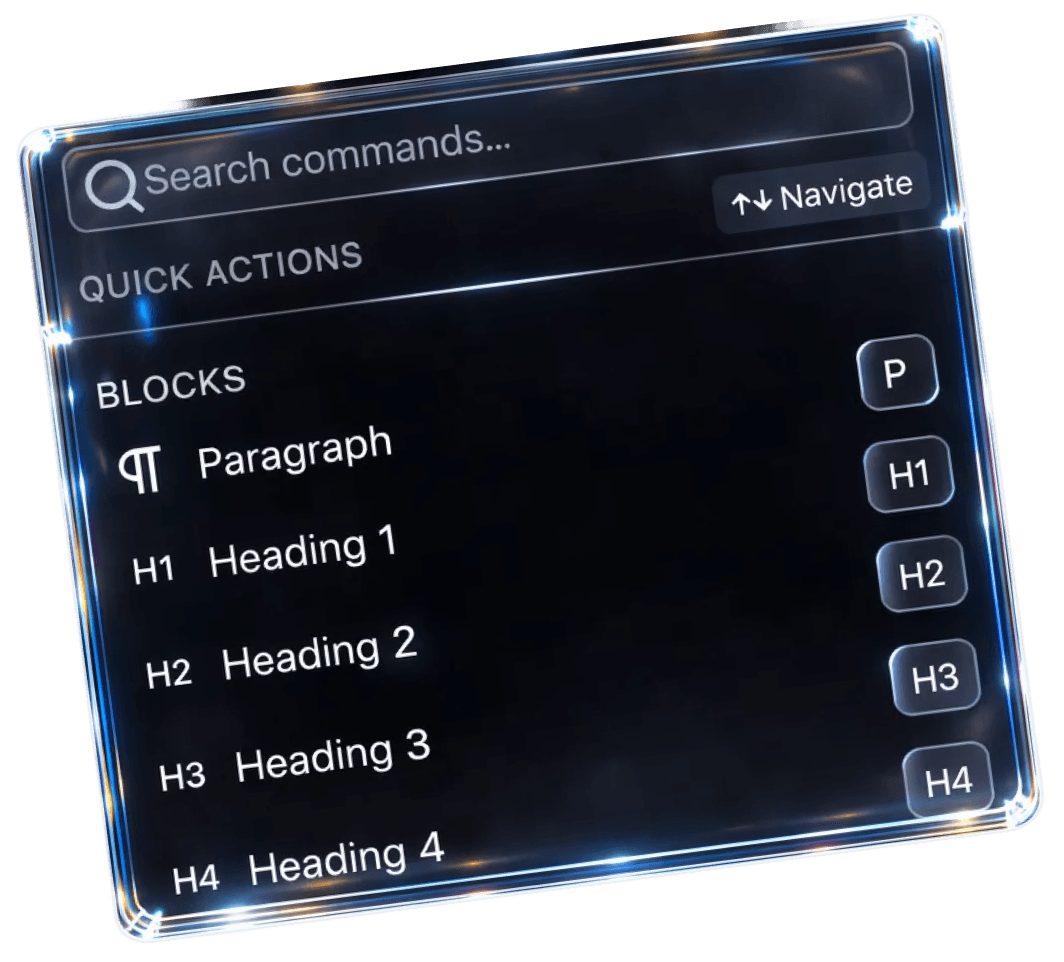
Eddyter’s Quick Toolbar lets you write and format content faster using slash (/) commands. Instantly insert headings, lists, tables, and more—without leaving your keyboard. It’s built for speed, helping you create structured content without breaking your flow.

  • Slash-command powered
  • One-step block insertion
  • Built for speed-focused writing