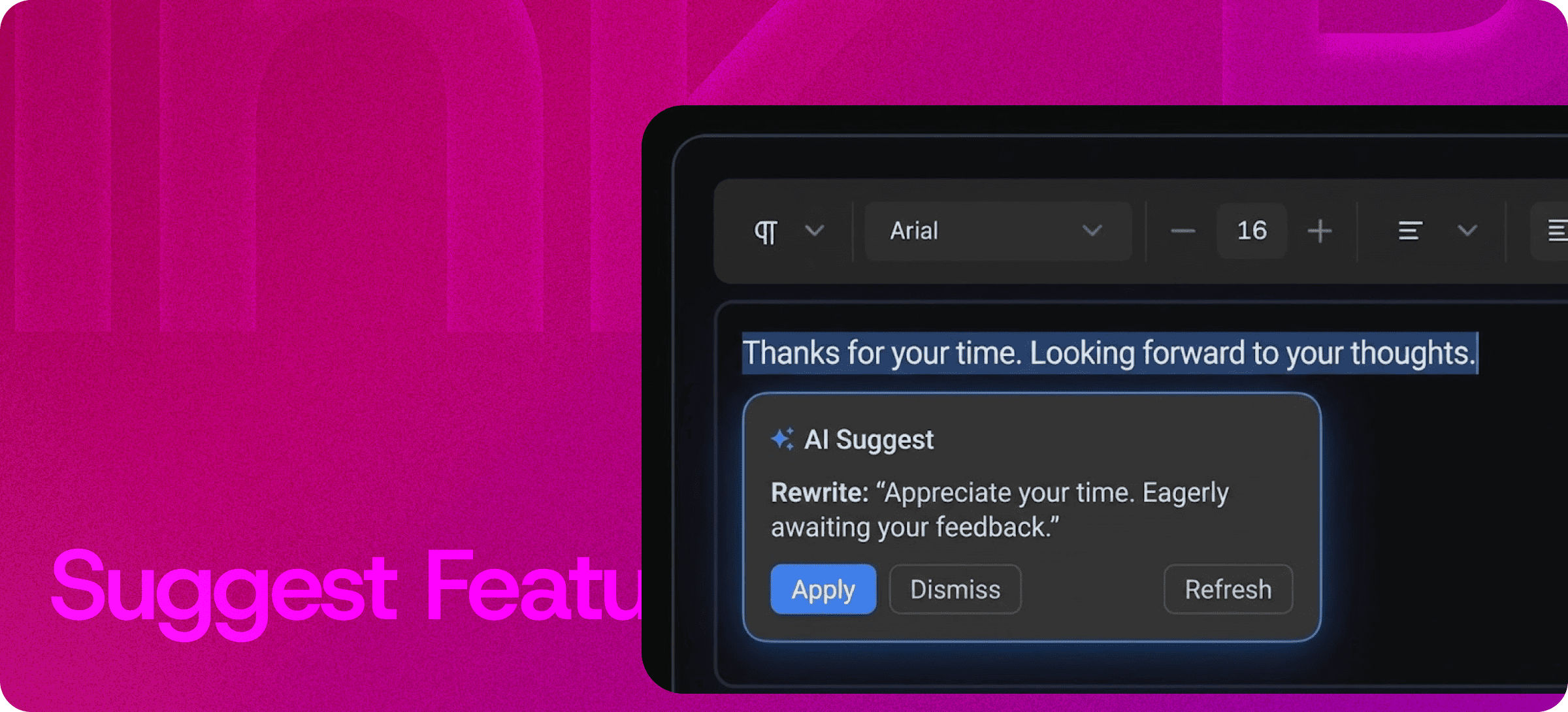
Collect Feature Requests and Feedback — Right Inside the Editor
Eddyter's Suggest Feature turns your rich text editor into a feedback collection channel. Let users, teammates, and stakeholders submit feature requests, report ideas, and share product input — without ever leaving the editor they're working in.
No external tools. No scattered emails. No "I'll log it in Jira later" promises that never happen.
Suggest a Feature in One Click
Most product feedback dies in the gap between thinking it and logging it. Users are deep inside an editor, hit a friction point, and the cost of opening a separate feedback tool is just high enough that they give up.
Eddyter's Suggest Feature closes that gap. A built-in suggestion option lives directly in the editor, so users can:
- Flag a missing feature the moment they need it
- Describe a workflow that would help them
- Report a rough edge in the experience
- Vote up an idea someone else already submitted
The result: more honest feedback, captured in context, with zero workflow disruption.
Why In-Editor Feedback Beats External Tools
Standard feedback workflows are leaky by design:
External feedback tools | Eddyter's built-in Suggest Feature |
|---|
Users have to leave the editor | Stays in the editor |
Context is lost in translation | Context is preserved automatically |
Setup requires another SaaS subscription | Built into every Eddyter plan |
Engineering has to integrate a widget | Zero integration work |
Feedback splinters across channels | Centralized in one feed |
By eliminating the switch-out cost, Eddyter captures the kind of feedback that usually never gets logged — the small, specific, in-the-moment observations that compound into better products.
How Teams Use Suggest Feature
Product Teams
Surface real user pain points without running formal user research sprints. Suggestions arrive with context — the user was doing something when they submitted it.
Engineering Teams
Cut out the triage step where you try to figure out what a user actually meant. The request comes from inside the workflow, so the context is built in.
Customer Success Teams
Stop being the messenger between users and product. Users can submit directly, and CS can focus on the feedback that needs human follow-up.
SaaS Founders
Run product discovery from day one without paying for a separate feedback platform. Especially valuable in the 0-to-PMF phase, when every signal counts.
Built Directly Into the Editor
Suggest Feature isn't an add-on, plugin, or third-party integration. It ships with the Eddyter editor on every plan, including Free.
For developers integrating Eddyter into a SaaS product, that means:
- No extra API calls for feedback collection
- No additional vendor to evaluate, pay, or maintain
- No custom UI work to build a feedback widget
- No data silos between your editor and your feedback channel
Setup details are documented in the Eddyter Documentation. New to Eddyter? What is Eddyter? is a 2-minute walkthrough of the editor.
Real-Time Feedback, Centralized
Every suggestion submitted through Eddyter lands in one place. No CSV exports, no inbox archeology, no Slack channel that nobody monitors after week three.
You get:
- A clean, chronological feed of incoming suggestions
- Context about who submitted, and from where in the editor
- The ability to act on patterns instead of one-off complaints
- A single source of truth for "what should we build next"
Why It Matters in 2026
Building a SaaS product without a feedback loop in 2026 is roughly equivalent to driving without a windshield. You'll get somewhere — just not where you intended.
- Users won't tell you what's wrong unless you make it effortless.
- The teams that ship faster are the ones with shorter feedback loops.
- Compounding improvements come from small, in-context observations — not formal interviews quarterly.
Eddyter's Suggest Feature gives you that loop with zero setup overhead. If you're evaluating Eddyter end-to-end, Integrate Eddyter in 30 Minutes walks through the full setup including feedback collection.
Use Cases at a Glance
- Gathering real-time feature requests from team members or end users
- Simplifying feedback collection without switching platforms
- Centralizing product input from across distributed teams
- Capturing in-context bug reports and rough-edge observations
- Running lightweight product discovery during MVP and early-stage SaaS phases
- Closing the loop between "users wanted X" and "we shipped X"
Frequently Asked Questions
1. Is Suggest Feature available on the Free plan?
Yes. Suggest Feature is built into every Eddyter plan, including Free. There's no separate subscription, add-on, or integration to enable.
2. Where do submitted suggestions go?
All suggestions are centralized in your Eddyter dashboard, viewable as a chronological feed with submission context.
3. Can users submit suggestions anonymously?
Yes. The feature can be configured for anonymous submission, identified submission, or both — depending on your use case and privacy requirements.
3. Does Suggest Feature work inside React or Next.js apps?
Yes. Eddyter is a drop-in React component, and Suggest Feature ships with the standard editor. No additional configuration required.
4. Can my engineering team integrate suggestions with our existing issue tracker?
Yes. Submitted suggestions are accessible via the Eddyter API, so you can sync them with Linear, Jira, GitHub Issues, or any internal tool. See the Eddyter docs for API reference.
5. Will users get notified when their suggestion is acted on?
Notification workflows can be configured per implementation — closing the loop when a suggestion is reviewed, accepted, or shipped.
Why It Matters
Great products are built on a foundation of constant, contextual feedback. The teams that capture it best are the teams that build the right things.
Eddyter's Suggest Feature gives you that capture mechanism — built into the editor your users already trust.
Try Eddyter Free →