Toggle Between Visual and HTML View — One Click, Instant Preview
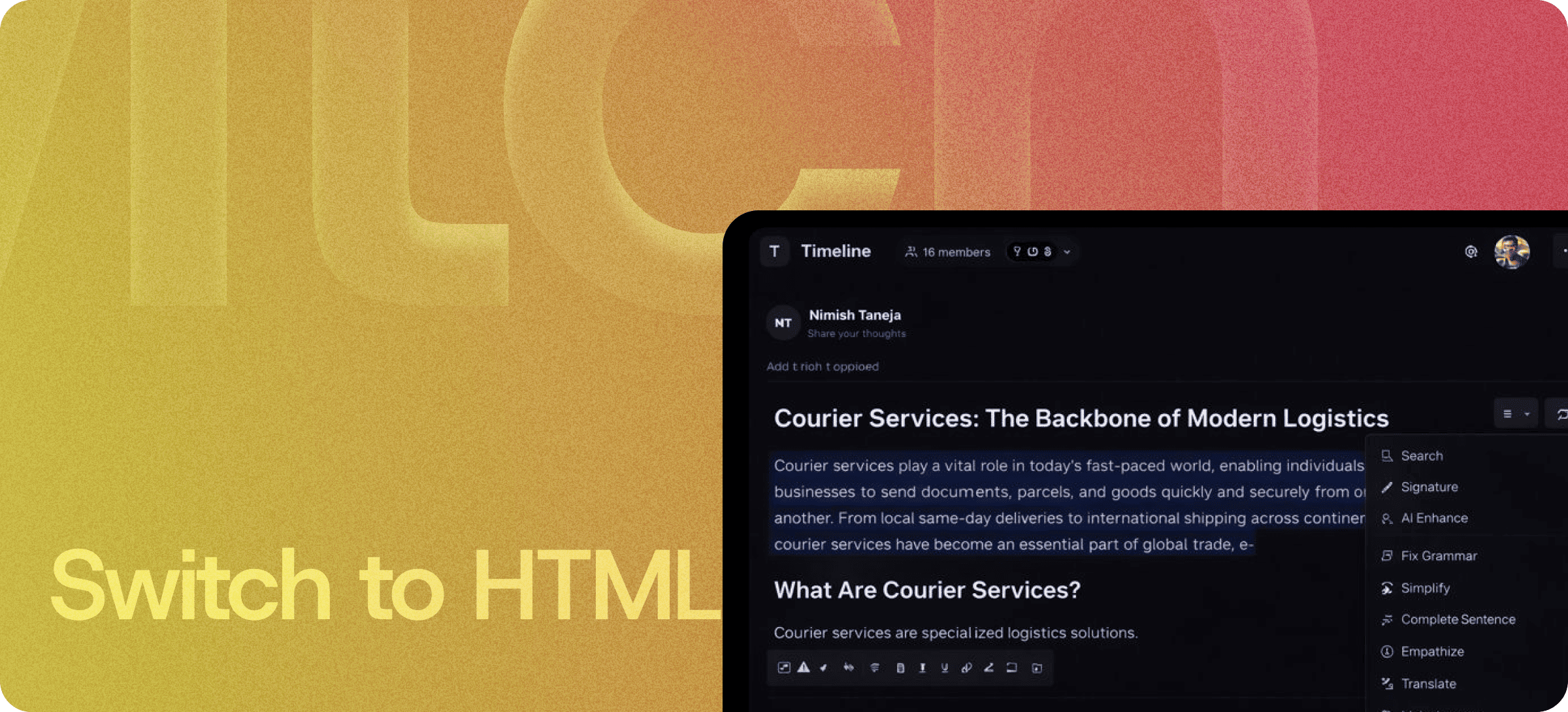
Eddyter's Switch to HTML feature lets you flip between Visual and HTML view with one click. Make precise edits to the underlying source code when you need control. Switch back to Visual when you want the WYSIWYG experience. The toggle takes a single keystroke; the preview updates instantly.
If you've used TinyMCE's source view, WordPress's Visual/Text toggle, or any modern WYSIWYG editor that supports both modes, you know how this works. Eddyter does it cleaner.
Why the Toggle Matters
Pure WYSIWYG editors are great for writing — until you hit a layout edge case. Pure HTML editors are great for control — until you have to read raw markup to figure out what your document actually looks like.
The toggle is the answer to both problems:
- Default to Visual for writing, formatting, and content creation
- Switch to HTML when you need precise control over markup
- Switch back when the structural work is done
You get both editing modes without having to commit to one. The right mode for the right task, always one click away.
Switch to HTML vs HTML Code vs HTML Canvas
Three HTML-related features that sound similar but do different jobs:
Feature | What it is |
|---|
HTML Code | The HTML editor itself — for editing raw HTML markup |
HTML Canvas | A dedicated HTML editing workspace with live preview |
Switch to HTML | The toggle action between Visual ↔ HTML view |
Switch to HTML is the affordance — the button that lets you move between the two modes the other features cover. Most workflows use all three: you write in Visual, switch to HTML for fine-tuning, edit in HTML Code, and switch back when done.
How the Toggle Works
The interaction is intentionally simple:
- Click the Switch to HTML button (or use the keyboard shortcut)
- Your content renders as HTML source with syntax highlighting
- Edit directly — tags, attributes, inline styles, anything
- Click again to switch back — your changes render instantly in Visual view
The toggle is non-destructive. Whatever changes you make in HTML view are reflected in Visual view; whatever you write in Visual view is reflected as clean HTML in source view.
What the Toggle Enables
Some things are easier to do in HTML view than in Visual view:
- Adding custom attributes (
data-*, aria-*, id, custom classes) - Pasting third-party embed code (analytics snippets, custom widgets)
- Cleaning up imported HTML from external sources
- Adding inline styles that visual mode doesn't expose
- Debugging layout issues by inspecting the actual markup
- Verifying clean output before publishing to your CMS or app
For developers, the toggle is the difference between "trusting the WYSIWYG output" and "actually knowing what's going to render."
Built Directly Into the Editor
The toggle isn't a plugin or third-party widget. It ships with the standard Eddyter editor on every plan, including Free.
For developers integrating Eddyter into a SaaS app, that means:
- No mode-switching infrastructure to build
- No HTML sanitization to wire up separately
- No syntax highlighting library to evaluate
- Works out of the box in React and Next.js apps
Setup details are in the Eddyter Documentation. New to the editor? What is Eddyter? is a 2-minute walkthrough.
How It Compares to Other Editor Toggles
| | TinyMCE Source view | WordPress Visual/Text | CKEditor Source mode | Eddyter Switch to HTML |
|---|
One-click toggle | ✅ Yes | ✅ Yes | ✅ Yes | ✅ Yes |
Syntax highlighting in source | ⚠️ Premium | ❌ No | ⚠️ Premium | ✅ Built-in |
Clean HTML output | ⚠️ Variable | ⚠️ Strips formatting | ✅ Yes | ✅ Yes |
Live-sync visual ↔ source | ⚠️ On switch | ⚠️ On switch | ✅ Yes | ✅ Yes |
Available on free tier | ⚠️ Limited | ✅ Yes | ⚠️ Limited | ✅ Yes |
Built for React / Next.js | ❌ jQuery-era | ❌ N/A | ⚠️ Plugin | ✅ Native |
For SaaS teams shipping editors to their own users, the toggle is non-negotiable — and Eddyter ships it cleanly without the premium-tier paywall that older editors put around it.
Where the Toggle Earns Its Keep
Technical Documentation
Engineers writing docs sometimes need to paste raw HTML for code examples, embeds, or precise formatting. The toggle lets them work in their preferred mode.
CMS Migration and Content Cleanup
Importing content from older CMS platforms often brings in messy HTML. Switch to source view, clean it up, switch back.
Marketing Pages with Custom Embeds
Marketing teams embedding analytics pixels, custom widgets, or third-party snippets need source-level control. Toggle to HTML, paste, switch back.
Knowledge Base Maintenance
Help articles accumulate technical debt over time. The toggle makes cleanup possible without rebuilding articles from scratch.
Mixed Visual / Developer Workflows
Designers and engineers collaborating on the same content: one works in Visual, the other in HTML — both editing the same document.
Debugging Output Issues
When Visual view doesn't render the way you expect, the toggle is the fastest way to find out why.
Why Mode-Toggling Matters in 2026
Pure WYSIWYG and pure HTML editors are both compromises. The best modern editors give you both, with a clean toggle between them — because real content workflows need both.
- Content teams want WYSIWYG simplicity by default
- Developers want HTML precision when it matters
- Both are usually editing the same documents
Eddyter's Switch to HTML feature serves both audiences without forcing either to leave their preferred mode. If you're evaluating Eddyter end-to-end, Integrate Eddyter in 30 Minutes walks through full setup including the editor modes.
Switch to HTML at a Glance
Capability | Eddyter Switch to HTML |
|---|
One-click Visual ↔ HTML toggle | ✅ Yes |
Syntax highlighting in source view | ✅ Yes |
Live-sync between modes | ✅ Yes |
Clean HTML output | ✅ Yes |
Non-destructive switching | ✅ Yes |
Available on Free plan | ✅ Yes |
Works in React / Next.js apps | ✅ Yes |
Plugin required | ❌ No |
Frequently Asked Questions
1. How do I switch between Visual and HTML view?
Click the Switch to HTML button in the toolbar (or use the keyboard shortcut). Your content renders as HTML source. Click again to switch back to Visual view.
2. Will switching between modes break my formatting?
No. The toggle is non-destructive. Changes in either mode sync to the other, and the underlying content stays intact.
3. Can I edit the HTML directly?
Yes. In HTML view you can edit tags, attributes, inline styles, and any other markup. Changes render in Visual view when you switch back.
4. Does Switch to HTML include syntax highlighting?
Yes. HTML source view includes syntax highlighting to make code easier to read and edit.
5. How is this different from HTML Code or HTML Canvas?
Switch to HTML is the toggle action between modes. HTML Code is the HTML editor itself. HTML Canvas is a dedicated HTML editing workspace. Most workflows use all three together.
6. Is Switch to HTML available on the Free plan?
Yes. The Visual ↔ HTML toggle is included on every Eddyter plan, including Free.
7. Does it work in React or Next.js apps?
Yes. Eddyter is a drop-in React component, and the toggle is part of the standard editor — no extra configuration required.
8. Can I paste HTML from external sources?
Yes. Switch to HTML view, paste your HTML, and switch back to see it render in Visual mode.
Why It Matters
Pure WYSIWYG editors are great until you need precise control. Pure HTML editors are great until you want to actually write content. The toggle gives you both modes, one click apart — the right mode for the right task, always.
Eddyter's Switch to HTML makes that toggle the default — without the premium-tier paywall older editors put around it.
Try Eddyter Free →