Image Resize, Alignment, and Upload — All Inside Your Editor
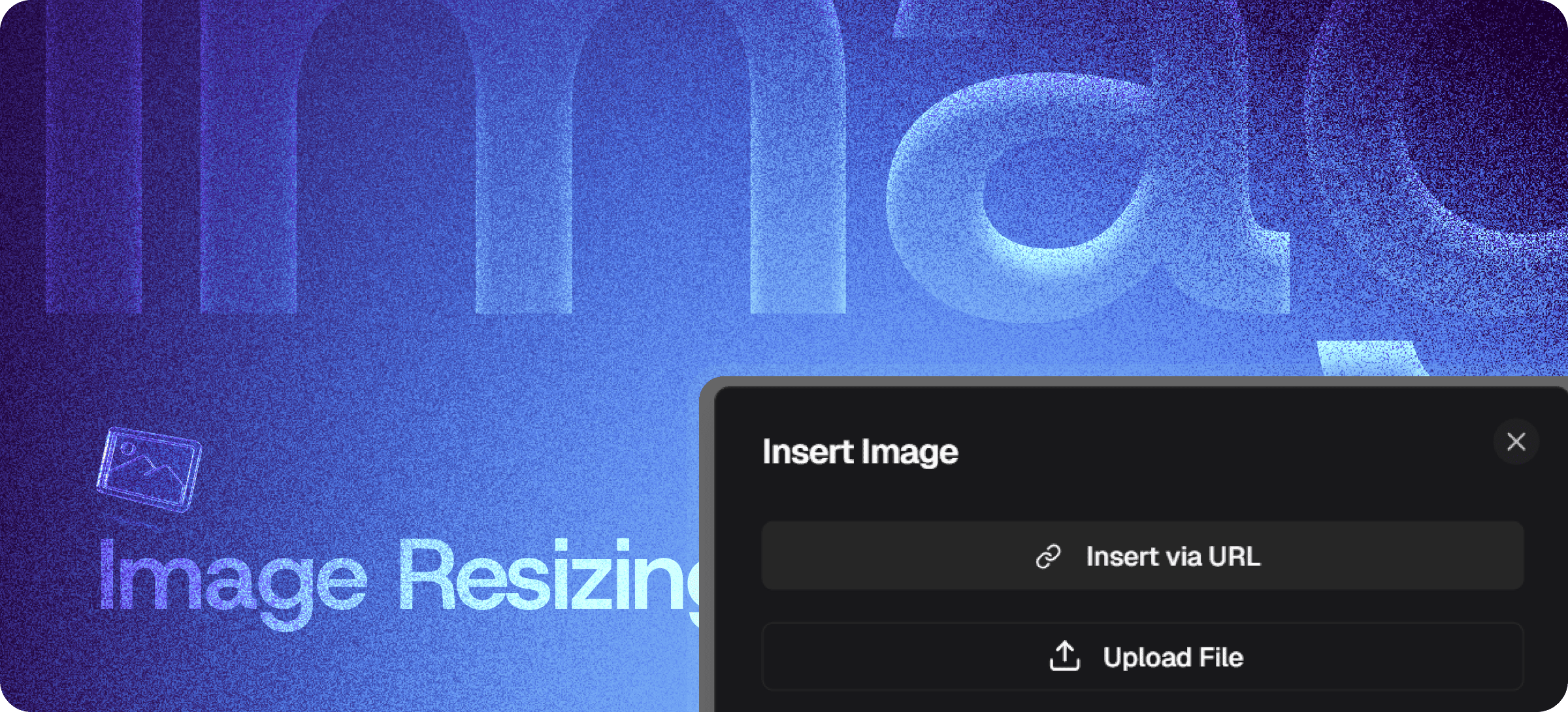
Eddyter's Image Resizing & Options feature gives you complete control over images directly inside the editor. Upload, resize, align, and position images without ever leaving your document — no Photoshop trip, no Canva detour, no re-uploads of edited versions.
The full image workflow lives in one place: drop the image, drag to resize, click to align, keep writing.
Full Image Control, Inside the Editor
Most rich text editors treat images as second-class citizens. You can insert one, but resizing it means manual width values in HTML, alignment means CSS hacks, and any change later means a full re-upload cycle.
Eddyter handles every image action you'd actually want:
- Drag handles to resize — adjust width and proportions visually
- One-click alignment — left, center, right, or full-width
- Inline upload — drag from desktop or paste from clipboard
- Insert via URL — pull from external sources without download
- Spacing control — adjust margins around images for clean flow
- Responsive output — images adapt across desktop, tablet, mobile
Everything happens in-place. No popup modals, no separate "edit image" mode, no copy-paste between Photoshop and your CMS.
Resize by Dragging — Not by Typing Pixel Values
The interaction model is intentionally simple:
- Click the image to activate handles
- Drag a corner to resize proportionally
- Drag a side to adjust width or height
- Done — the image stays in place, your content stays formatted
No manual width values. No <img width="623" height="412"> HTML editing. No CSS class-juggling to make it responsive.
Alignment and Layout
Position images exactly where they belong inside your content:
- Left-aligned with text wrapping
- Center-aligned for hero images and section breaks
- Right-aligned with text wrapping
- Full-width banner for emphasis
- Inline for small icons and supporting visuals
Spacing around images stays consistent across pages — no orphaned images breaking the document's visual rhythm.
Multiple Insert Options
Get images into your document the way that fits your workflow:
Upload from Device
Drag an image from your desktop directly into the editor. Eddyter handles the upload, hosting, and rendering.
Paste from Clipboard
Copy an image (from a screenshot tool, browser, or anywhere else) and paste it directly. The image inserts inline at your cursor.
Insert via URL
Pull images from external sources by URL. No download-then-upload cycle.
Generated by AI
Pair with Generate AI Image to create custom visuals from text prompts and have them inserted automatically.
How It Compares to External Image Workflows
| | External editor + re-upload | Manual HTML width values | Generic image embed | Eddyter Image Resize |
|---|
Inside the editor | ❌ No | ⚠️ Partial | ✅ Yes | ✅ Yes |
Drag-to-resize | ❌ No | ❌ No | ⚠️ Variable | ✅ Yes |
One-click alignment | ❌ No | ❌ No | ⚠️ Variable | ✅ Yes |
Mobile-responsive output | ⚠️ Manual | ❌ Manual | ⚠️ Variable | ✅ Auto |
Workflow friction | High | Medium | Low | Minimal |
Built Directly Into the Editor
Image resizing isn't a plugin or third-party library. It ships with the standard Eddyter editor on every plan, including Free.
For developers integrating Eddyter into a SaaS app, that means:
- No image-cropping library to evaluate or maintain
- No CDN setup for image hosting (Eddyter handles it)
- No responsive-image logic to write
- Works out of the box in React and Next.js apps
Setup details are in the Eddyter Documentation. New to the editor? What is Eddyter? is a 2-minute walkthrough.
Where Image Controls Earn Their Keep
Documentation and Tutorials
Screenshots are the backbone of good documentation. Resize them precisely, align them to the relevant text, and ship docs that actually help users.
Blog Posts and Editorial Content
Hero images sized correctly, inline visuals aligned consistently, supporting graphics positioned without breaking flow.
Knowledge Base and Help Articles
Annotated screenshots, error message images, and visual walkthroughs that render cleanly across desktop and mobile.
Marketing Pages
Product images, customer logos, and feature visuals positioned with the precision marketing pages require.
Reports and Proposals
Charts, graphs, and supporting visuals embedded at the right size — no awkward resizing inside Word or Google Docs.
Newsletter Content
Images that render across email clients without breaking layout, properly sized and aligned in the source content.
Why Image Controls Matter in 2026
Visual content quality is no longer optional:
- Mobile traffic dominates — broken image layouts on phones lose readers immediately
- Documentation needs visuals — text-only docs are harder to follow, slower to scan
- Marketing content competes on polish — sloppy image placement signals sloppy product
- Workflow speed compounds — every manual image adjustment slows content velocity
Eddyter's image controls remove the friction at every step. If you're evaluating Eddyter end-to-end, Integrate Eddyter in 30 Minutes walks through full setup including images, AI features, and tables.
Image Resizing at a Glance
Capability | Eddyter Image Resizing |
|---|
Drag-to-resize | ✅ Yes |
Left / center / right alignment | ✅ Yes |
Inline upload from device | ✅ Yes |
Paste from clipboard | ✅ Yes |
Insert via URL | ✅ Yes |
Mobile-responsive output | ✅ Yes |
Available on Free plan | ✅ Yes |
Works in React / Next.js apps | ✅ Yes |
Image hosting included | ✅ Yes |
Frequently Asked Questions
How do I resize an image in Eddyter?
Click the image to activate handles, then drag a corner or edge to resize. The image stays in place and the surrounding content stays formatted.
Can I align images left, right, or center?
Yes. One-click alignment lets you set images to left, center, right, or full-width — with text wrapping where appropriate.
How do I insert an image?
Three options: drag from your desktop into the editor, paste from clipboard (works with screenshots), or insert via URL.
Are images responsive on mobile?
Yes. Images automatically adapt to screen size and render cleanly on desktop, tablet, and mobile.
Where are uploaded images hosted?
Eddyter handles image hosting as part of your content. No separate CDN or storage setup required.
Is Image Resizing available on the Free plan?
Yes. Image upload, resize, and alignment are included on every Eddyter plan, including Free.
Does it work in React or Next.js apps?
Yes. Eddyter is a drop-in React component, and image controls are part of the standard editor — no additional configuration required.
Can I generate AI images and resize them?
Yes. Use Generate AI Image to create custom visuals, then resize and align them just like any other image.
Why It Matters
Images make content scannable, memorable, and trustworthy. But only if they're sized and positioned correctly — and only if the workflow doesn't make you want to skip the image entirely.
Eddyter's image controls remove every excuse for shipping content without proper visuals. Drag, drop, resize, align — done.
Try Eddyter Free →