AI Length Adjustment — Make Content Longer or Shorter Instantly
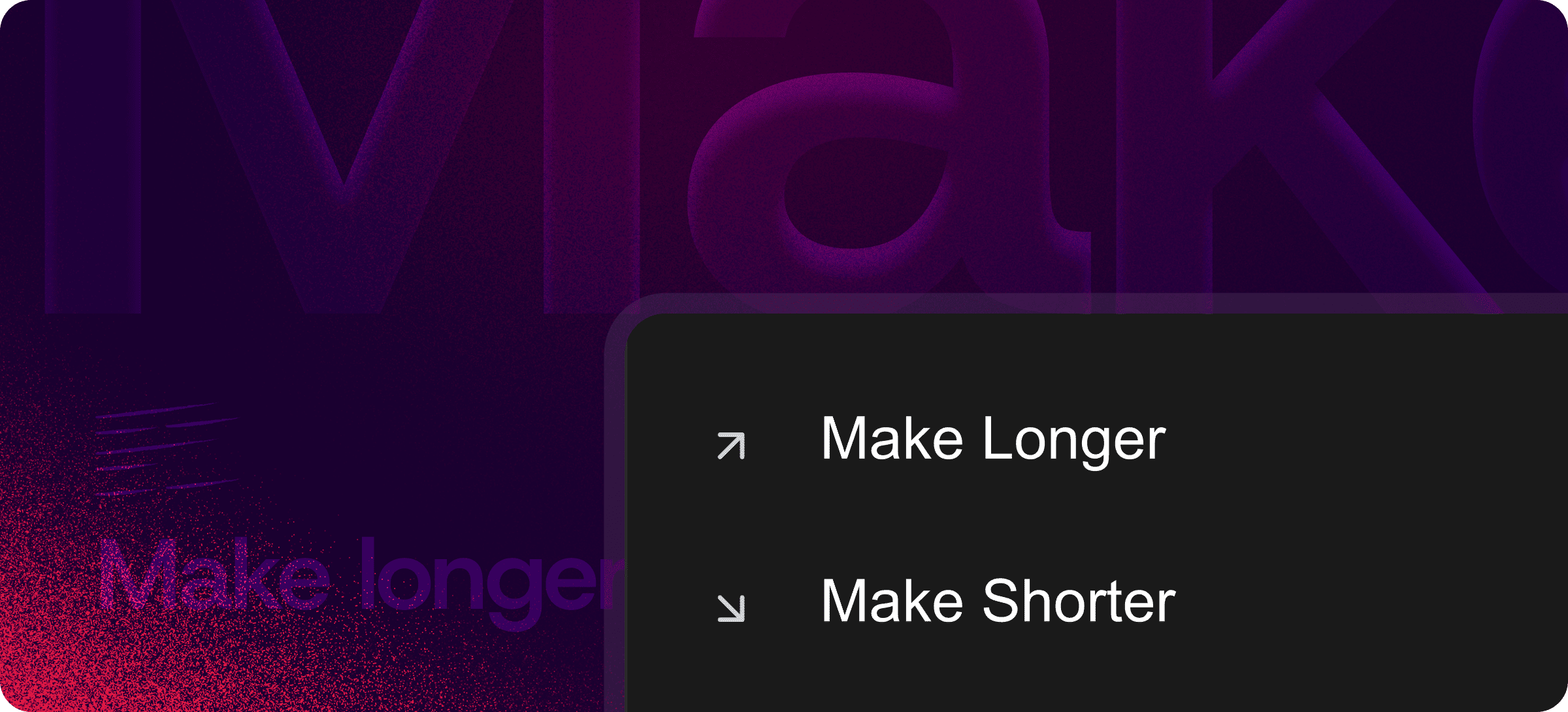
Eddyter's Make Longer & Shorter feature uses AI to adjust the length of your content in one click. Pad too-thin drafts with relevant supporting detail. Tighten over-long copy without losing the message. Hit a specific word count for a submission, a tweet, or a landing page section.
Length is rarely just a count problem — it's a content problem. The AI handles the actual editing work: deciding which details to add, which sentences to combine, which redundancies to cut.
Why Length Matters as a Standalone Action
Most teams have specific length problems that aren't about clarity or tone:
- A blog post needs to be 1,200 words for SEO, and your draft is 700
- An email is running too long and engagement drops at scroll
- A social post hit the character limit and needs to be trimmed
- An academic submission requires 800 words and yours is 1,100
- An LLM-generated draft is too thin and needs more substance
These aren't problems of "make it clearer" or "fix the tone" — they're problems of length specifically, often constrained by external requirements.
Make Longer & Shorter is the action purpose-built for that.
What Each Action Does
Make Longer
Expands content by adding relevant supporting detail, examples, clarifications, and context — without padding with filler.
Best for:
- Thin AI-generated drafts that need more substance
- Content that needs to hit minimum word count requirements
- Short outline points that need to become full paragraphs
- Tweet-length ideas that need to become blog-post-length pieces
Make Shorter
Condenses content by combining sentences, removing redundancy, and tightening prose — without losing the core message.
Best for:
- Over-long marketing copy that loses reader attention
- Long-form drafts that need to fit specific character or word limits
- Verbose explanations that need to become punchy summaries
- Research-heavy content that needs an executive-summary version
Both directions preserve tone, intent, and structural integrity. You're not getting a new piece of content — you're getting the same piece, at a different length.
How It Differs from Other AI Writing Features
Eddyter's AI Writing Assistant includes several distinct actions. Each solves a different problem:
Action | Use when... |
|---|
Make Longer & Shorter | Length is the specific issue (word count, character limit, depth) |
| Simplify | Content is too dense, jargon-heavy, or hard to read |
| Adjust Tone | Tone is wrong for the audience (too formal, too casual, off-brand) |
| Fix Grammar | Errors in grammar, spelling, or structure need cleanup |
For broader AI writing capabilities and an overview, see Enhance with AI.
How to Use Make Longer & Shorter
The interaction is intentionally simple:
- Highlight the text you want to adjust
- Choose Make Longer or Make Shorter from the AI panel
- Apply — the adjusted version replaces the original
If you don't like the first pass, regenerate. Multiple attempts produce different results so you can pick the one that fits.
Where Length Adjustment Earns Its Keep
Content Marketing
Match SEO-driven word count guidance without artificially padding. Expand thin sections, tighten verbose ones, hit the target naturally.
Sales and Outbound
Tighten cold emails until they hit the under-100-word sweet spot. Expand product descriptions for landing pages without rewriting from scratch.
Customer Support
Shorten verbose canned responses to be more scannable. Expand brief replies to give customers more thorough help.
Technical Writing
Adjust documentation depth for different audiences — concise for advanced users, expanded with examples for newcomers.
Academic and Long-Form Content
Hit specific word count requirements for submissions, publications, or assignments without losing core arguments.
Multi-Channel Content Repurposing
Take a long blog post and shorten it into a newsletter blurb. Take a tweet thread and expand it into a full article.
Built Directly Into the Editor
Make Longer & Shorter isn't a separate tool, browser extension, or third-party SaaS. It's part of Eddyter's AI Writing Assistant on AI-enabled plans.
For developers integrating Eddyter into a SaaS app, that means:
- No content leaving your editor unnecessarily
- No external AI integration to manage separately
- No copy-paste cycles between writing and length-adjustment tools
- Works out of the box in React and Next.js apps
Setup details are in the Eddyter Documentation. New to the editor? What is Eddyter? is a 2-minute walkthrough.
How It Compares to Manual Length Adjustment
| | Manual rewriting | ChatGPT (manual prompting) | Eddyter Make Longer & Shorter |
|---|
One-click adjustment | ❌ No | ❌ Manual prompts | ✅ Yes |
Inside your editor | ✅ Yes | ❌ Separate tab | ✅ Yes |
Preserves tone | ✅ Yes | ⚠️ Variable | ✅ Yes |
Time per adjustment | Minutes-hours | 30 sec + paste cycle | Seconds |
Workflow friction | High | Medium-high | Minimal |
Why It Matters in 2026
Length constraints are real and getting tighter:
- SEO guidance increasingly cares about article length matching searcher intent
- Email engagement drops sharply past certain word counts
- Social platforms enforce strict character limits across every channel
- Reader attention is at a historic low — content has to land fast
- AI-generated content often runs too thin and needs structured expansion
Make Longer & Shorter handles all of these without the manual rewriting tax. If you're evaluating Eddyter end-to-end, Integrate Eddyter in 30 Minutes walks through full setup including AI features.
Make Longer & Shorter at a Glance
Capability | Eddyter Make Longer & Shorter |
|---|
AI-powered length expansion | ✅ Yes |
AI-powered length reduction | ✅ Yes |
Preserves tone and intent | ✅ Yes |
One-click application | ✅ Yes |
Regenerate for alternate versions | ✅ Yes |
Plan availability | Eddyter AI plans |
Works in React / Next.js apps | ✅ Yes |
External tool required | ❌ No |
Frequently Asked Questions
1. Will Make Longer add filler or fluff?
No. The AI adds relevant supporting detail, examples, and context — not padding. If the result feels thin, regenerate for a different pass.
2. Will Make Shorter lose important meaning?
No. The AI condenses by combining sentences and removing redundancy, not by cutting substance. Core points and meaning stay intact.
3. Can I set a specific target word count?
The AI adjusts proportionally rather than to a precise target. For specific word counts, apply multiple passes — Make Shorter again if needed, or Make Longer for further expansion.
4. Is Make Longer & Shorter available on the Free plan?
It's part of Eddyter's AI Writing Assistant and is available on Eddyter AI plans. See the Eddyter pricing page for plan details.
5. Does it work on long documents?
Yes. Apply to selected text or full documents of any length.
6. Does it work in React or Next.js apps?
Yes. Eddyter is a drop-in React component, and AI features are part of the standard editor on AI-enabled plans — no extra configuration required.
7. How is this different from Simplify?
Make Longer & Shorter adjusts length specifically. Simplify adjusts clarity (turning dense writing into plain language). The two can be used together — simplify a passage first, then adjust its length.
Why It Matters
Length is a content constraint that affects every channel: SEO, email, social, documentation, academic submissions. Getting it right manually means rewriting; getting it right with AI means one click.
Make Longer & Shorter handles the constraint without the manual editing tax — so length stops being the thing slowing your content workflow down.
Try Eddyter →