AI Tone Adjustment — Shift Style Without Rewriting Content
Eddyter's Adjust Tone feature uses AI to shift the tone of your writing instantly — formal, casual, friendly, professional — without rewriting your content or losing your message. Select the text, pick the tone, apply. The substance stays; the voice changes.
Tone is one of the trickiest things to get right in writing. The same idea can land completely differently depending on whether it sounds stiff or warm, formal or conversational, polished or punchy. Adjust Tone makes that calibration instant.
Why Tone Matters as a Standalone Action
Most teams have specific tone problems that aren't about length, clarity, or grammar:
- A cold sales email reads too stiff and needs to sound human
- Documentation written by engineers sounds intimidating to new users
- A formal company announcement needs a friendlier version for the team Slack
- A casual blog draft needs polish for a press release
- An internal report needs to be rewritten as a public-facing summary
These are problems of tone specifically — not clarity, not length, not errors. The substance is fine; the voice is wrong.
Adjust Tone is the action purpose-built for that.
Available Tone Styles
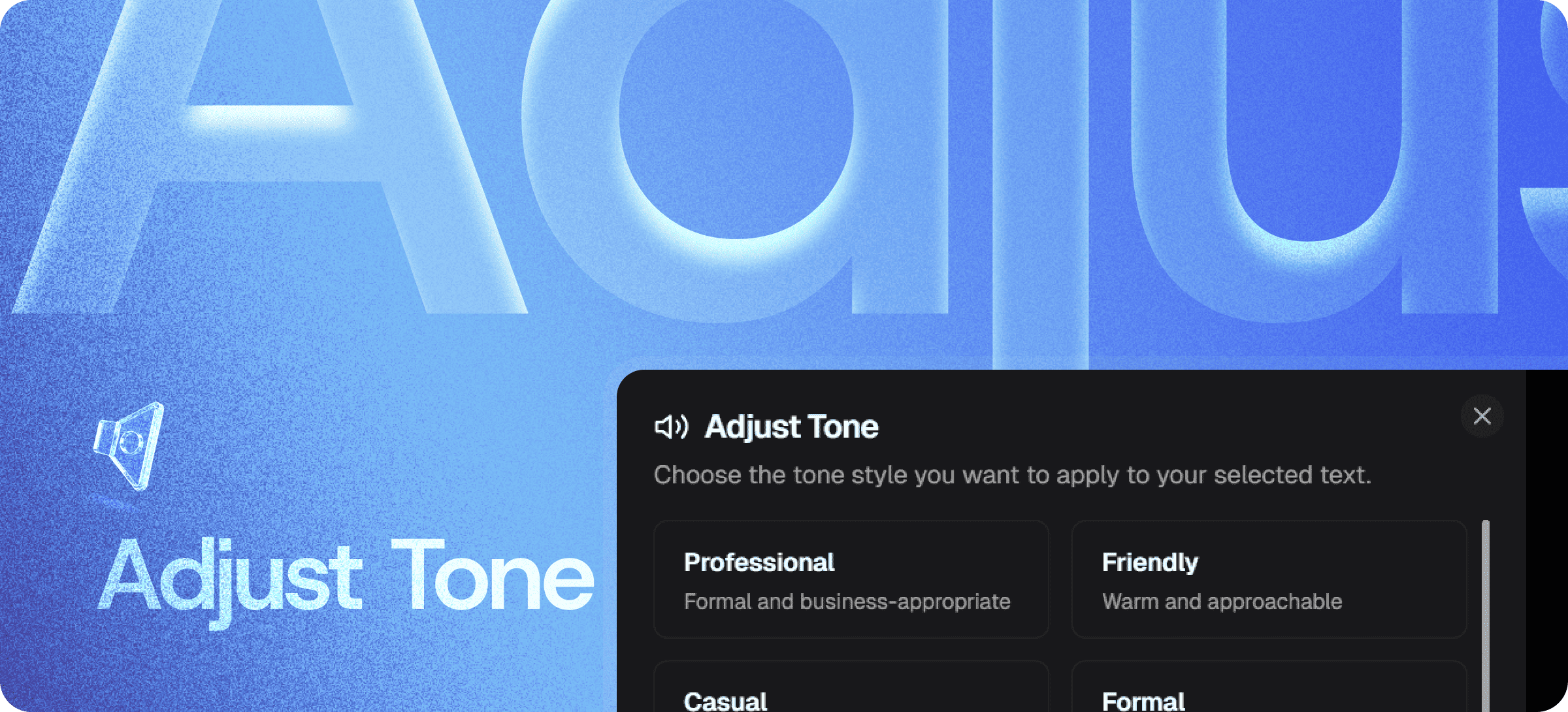
Choose the tone that fits your audience and channel:
- Professional — Formal, business-appropriate, polished
- Friendly — Warm, approachable, human
- Casual — Relaxed, conversational, low-stakes
- Formal — Structured, precise, official
Each tone preserves your underlying message and key information — only the voice changes.
How It Differs from Other AI Writing Features
Eddyter's AI Writing Assistant includes several distinct actions. Each solves a different problem:
Action | Use when... |
|---|
Adjust Tone | Tone is wrong for the audience (too formal, too casual, off-brand) |
| Simplify | Content is dense, jargon-heavy, or hard to read |
| Make Longer & Shorter | Length is the issue (word count, character limits) |
| Fix Grammar | Errors in grammar, spelling, or structure need cleanup |
For broader AI writing capabilities and an overview, see Enhance with AI.
How to Use Adjust Tone
The interaction is intentionally simple:
- Highlight the text you want to adjust
- Choose Adjust Tone from the AI panel
- Pick the target tone (Professional, Friendly, Casual, Formal)
- Apply — the adjusted version replaces the original
If the first pass isn't quite right, regenerate. Multiple attempts produce different versions so you can pick the one that fits best.
Where Tone Adjustment Earns Its Keep
Sales and Customer Outreach
Adjust cold emails from formal to friendly to match your brand voice. Match different prospect personas without rewriting from scratch.
Marketing Across Channels
Same campaign, different tones for different platforms. Casual for X, friendly for newsletter, professional for LinkedIn — all derived from one source.
Technical Documentation
Soften documentation written by engineers so it doesn't intimidate non-technical users. Or sharpen friendly docs into precise reference material.
Customer Support
Adjust canned support replies to match the customer's situation — friendlier for casual queries, more formal for escalated issues.
Internal Communications
Tailor internal updates for different teams — formal for executive summaries, casual for team channels.
Cross-Cultural Communication
Adjust tone for different cultural expectations and communication norms — formal for some markets, more casual for others.
Built Directly Into the Editor
Adjust Tone isn't a separate tool, browser extension, or third-party SaaS. It's part of Eddyter's AI Writing Assistant on AI-enabled plans.
For developers integrating Eddyter into a SaaS app, that means:
- No content leaving your editor unnecessarily
- No external AI integration to manage separately
- No copy-paste cycles between writing and tone tools
- Works out of the box in React and Next.js apps
Setup details are in the Eddyter Documentation. New to the editor? What is Eddyter? is a 2-minute walkthrough.
How It Compares to Manual Tone Adjustment
| | Manual rewriting | ChatGPT (manual prompting) | Eddyter Adjust Tone |
|---|
One-click adjustment | ❌ No | ❌ Manual prompts | ✅ Yes |
Inside your editor | ✅ Yes | ❌ Separate tab | ✅ Yes |
Preserves meaning | ✅ Yes | ⚠️ Variable | ✅ Yes |
Multiple tone options | ⚠️ Manual | ⚠️ Manual prompts | ✅ Built-in |
Time per adjustment | Minutes-hours | 30 sec + paste cycle | Seconds |
Workflow friction | High | Medium-high | Minimal |
Why Tone Adjustment Matters in 2026
The bar for written content has shifted permanently toward voice and tone:
- Brand voice is a competitive moat — generic content reads as untrustworthy
- Multi-channel content needs tone adaptation across platforms (X ≠ LinkedIn ≠ email)
- Customer empathy matters — tone-deaf responses lose customers faster than slow responses
- AI-generated drafts often have a flat, default tone that needs adjustment
- Cross-cultural communication requires tone calibration most teams skip
Adjust Tone handles all of these without the manual rewriting tax. If you're evaluating Eddyter end-to-end, Integrate Eddyter in 30 Minutes walks through full setup including AI features.
Adjust Tone at a Glance
Capability | Eddyter Adjust Tone |
|---|
AI-powered tone adjustment | ✅ Yes |
Multiple tone presets (Formal, Casual, Friendly, Professional) | ✅ Yes |
Preserves meaning and substance | ✅ Yes |
One-click application | ✅ Yes |
Regenerate for alternate versions | ✅ Yes |
Plan availability | Eddyter AI plans |
Works in React / Next.js apps | ✅ Yes |
External tool required | ❌ No |
Frequently Asked Questions
1. Will Adjust Tone change the meaning of my content?
No. Adjust Tone preserves the underlying message and key information — only the voice and style change. If meaning is being altered, regenerate for a different pass.
2. How many tone styles are available?
Four core presets: Professional, Friendly, Casual, and Formal. Each handles a different communication context and audience.
3. Can I create custom tone styles for my brand?
Brand-specific tone customization may be available on AI Pro plans. See the Eddyter docs for the full configuration spec.
4. Is Adjust Tone available on the Free plan?
It's part of Eddyter's AI Writing Assistant and is available on Eddyter AI plans. See the Eddyter pricing page for plan details and AI credit allocations.
5. Does it work on long documents?
Yes. Apply Adjust Tone to selected text or full documents of any length.
6. Does it work in React or Next.js apps?
Yes. Eddyter is a drop-in React component, and AI features are part of the standard editor on AI-enabled plans — no extra configuration required.
7. How is this different from Simplify?
Adjust Tone changes the voice (formal vs casual, friendly vs professional). Simplify changes the clarity (dense vs accessible). The two can be used together — simplify a passage first, then adjust its tone.
8. Can I use it on non-English content?
Multi-language tone adjustment depends on plan and configuration. For full translation workflows, see Eddyter's Translate feature.
Why It Matters
Tone is the difference between content that connects and content that doesn't. Same idea, different tone — completely different outcome.
Getting tone right manually means rewriting. Getting it right with AI means one click — without losing the substance you started with.
Eddyter's Adjust Tone makes tone calibration part of the default editing workflow, not a manual rewriting task.
Try Eddyter →