Inline Comments Inside Your Editor — Feedback Anchored to the Right Words
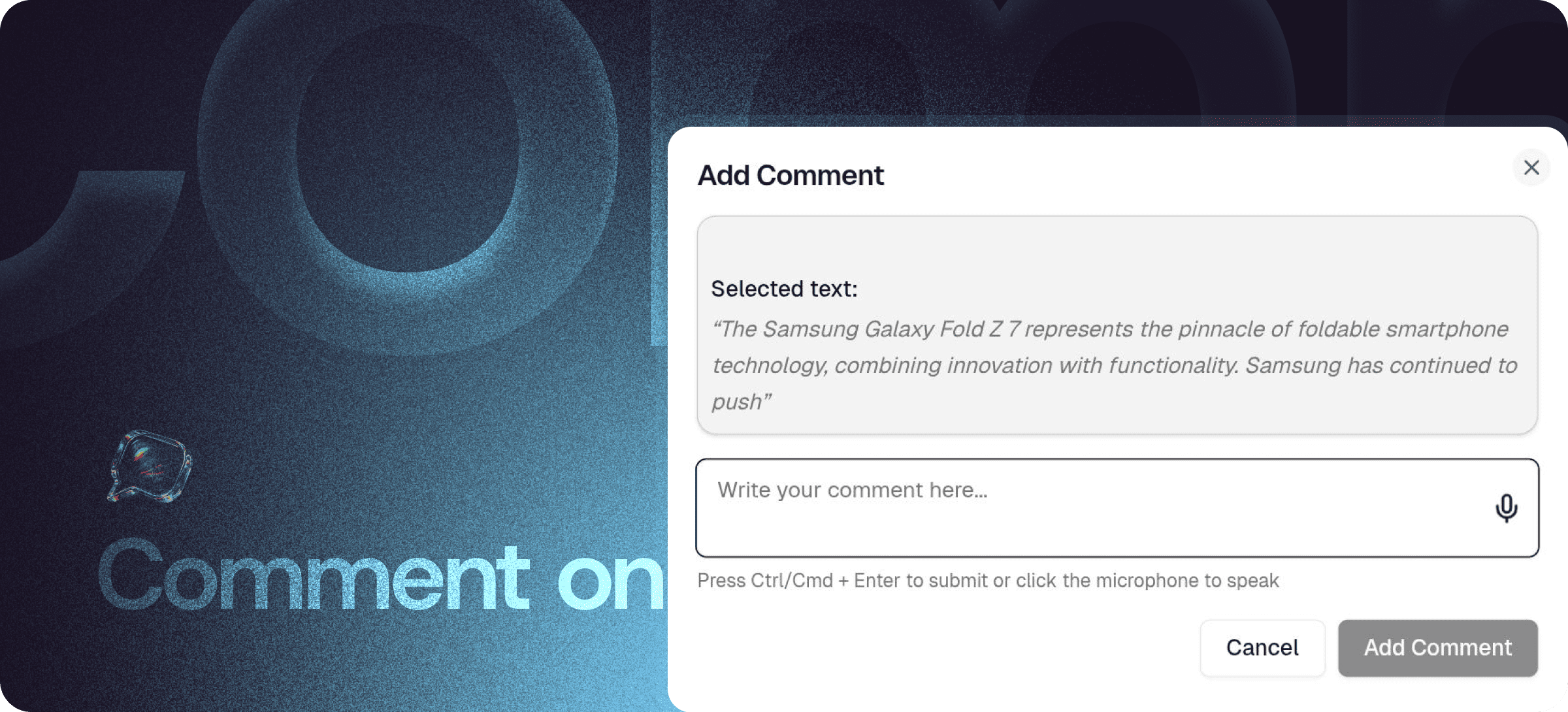
Eddyter's Comment on Text feature lets you attach comments directly to any word, sentence, or paragraph in your document — exactly the way Google Docs handles inline comments. Feedback stays anchored to the specific content it refers to, threaded for replies, and visible only when needed.
Please avoid long email chains that point to "the second paragraph from the bottom." No more Slack messages with screenshots. Feedback lives where the content lives.
Feedback That Stays Where It Matters
Most feedback workflows leak context. Reviewers write comments somewhere else (email, Slack, chat) and try to describe which part of the document they're referring to. By the time the writer gets the feedback, the context is fuzzy and half the comments make no sense.
Inline comments solve this in the cleanest possible way: the feedback IS the location. When a reviewer comments on a specific sentence, the comment is anchored to that sentence — no description needed.
How Inline Commenting Works
The interaction is intentionally familiar to anyone who's used Google Docs:
- Select the text you want to comment on
- Click Add Comment in the floating toolbar
- Write your feedback or suggestion
- Submit — the comment posts and collaborators get notified
Comments stay anchored to the selected text. As the document changes, the comment moves with the content it references.
What You Can Do with Comments
- Comment on any text selection — single word, full sentence, entire paragraph
- Reply in threads — full back-and-forth conversation per comment
- Tag teammates with @mentions to pull them into specific threads
- Resolve threads when feedback is addressed, hiding them from the active view
- Reopen resolved comments if a discussion needs to continue
- Filter the comments panel by author, status, or document section
Comments vs Mentions — What's the Difference?
These two features pair together but solve different problems:
| | Comment on Text | Mentions (@username) |
|---|
Anchored to | Specific text selection | Inside any comment or document |
Best for | Targeted feedback on specific content | Pulling someone into a conversation |
Use case | "This sentence needs a citation" | "@Priya can you review this section?" |
Notifies | Document watchers | Specific tagged person |
Most review workflows use both: comments to leave the feedback, mentions to make sure the right people see it.
How It Compares to External Review Workflows
| | Email feedback | Slack feedback | Track Changes (Word) | Eddyter Inline Comments |
|---|
Anchored to specific text | ❌ Manual | ❌ Manual | ✅ Yes | ✅ Yes |
Threaded replies | ⚠️ Email-only | ✅ Yes | ❌ Limited | ✅ Yes |
Inside the editor | ❌ No | ❌ No | ⚠️ Word-only | ✅ Yes |
Resolve / reopen | ❌ No | ❌ No | ⚠️ Limited | ✅ Yes |
Real-time collaboration | ❌ No | ❌ No | ⚠️ Limited | ✅ Yes |
Works in your SaaS app | ❌ No | ❌ No | ❌ No | ✅ Native |
For SaaS teams shipping editors to their own users, the inline comment model is what users now expect. Email threads and Slack screenshots feel like 2010-era collaboration.
Built Directly Into the Editor
Inline commenting isn't a plugin, browser extension, or third-party widget. It ships with the standard Eddyter editor on every plan, including Free.
For developers integrating Eddyter into a SaaS app, that means:
- No comment-thread infrastructure to build
- No notification system to wire up from scratch
- No anchored-position logic (comments handle text changes automatically)
- Works out of the box in React and Next.js apps
Setup details are in the Eddyter Documentation. New to the editor? What is Eddyter? is a 2-minute walkthrough.
Where Inline Comments Earn Their Keep
Editorial Review of Blog Posts and Articles
Editors leave precise, line-by-line feedback. Writers see exactly which sentences need work without parsing vague feedback.
Marketing Copy Approvals
Stakeholders comment on specific phrasing, claims, or CTAs. Approvals happen in-document instead of through Slack chains.
Documentation Reviews
Technical reviewers flag specific terms, code examples, or steps that need clarification. Engineers can address each point in context.
Cross-Team Content Approvals
Legal, compliance, brand, and product all comment on different parts of the same document — without stepping on each other.
Product Spec Collaboration
PMs draft specs; engineers and designers comment with questions or suggestions; everyone sees the same threaded discussion.
Customer-Facing Content Sign-Off
Customer success teams leave context-specific notes on FAQ articles, onboarding emails, and support content before publish.
Why Inline Comments Matter in 2026
Document review workflows have permanently shifted:
- Distributed teams can't rely on real-time conversation for every review — async commenting is the only scalable option.
- Specific feedback drives faster iteration — vague comments waste cycles.
- Resolution tracking matters — knowing which feedback was addressed (and which wasn't) prevents review loops from dragging on.
- Modern users expect Google Docs-level collaboration — anything less feels broken.
Eddyter's inline comments give you that collaboration model — inside your own SaaS app. If you're evaluating Eddyter end-to-end, Integrate Eddyter in 30 Minutes walks through full setup including comments, mentions, and collaboration features.
Comment on Text at a Glance
Capability | Eddyter Comment on Text |
|---|
Anchor comments to text selection | ✅ Yes |
Threaded replies | ✅ Yes |
@mention teammates in comments | ✅ Yes |
Resolve and reopen threads | ✅ Yes |
Real-time collaboration | ✅ Yes |
Available on Free plan | ✅ Yes |
Works in React / Next.js apps | ✅ Yes |
External tool required | ❌ No |
Frequently Asked Questions
1. How do I add a comment on selected text?
Highlight the text you want to comment on, click Add Comment in the floating toolbar, write your feedback, and submit. The comment stays anchored to that text.
1. Can I reply to comments in threads?
Yes. Each comment supports threaded replies, so a single piece of feedback can become a full discussion without cluttering the document.
3. Can I @mention teammates in comments?
Yes. Use @mentions inside any comment to notify specific people. See the Mentions feature for the full mention spec.
4. What happens to comments when text is edited?
Comments stay anchored to the original text. If the text is deleted, the comment is preserved but flagged as referencing removed content. If text is moved, the comment moves with it.
5. Can I resolve and reopen comments?
Yes. Resolve comments when feedback is addressed (they hide from the active view) and reopen them if discussion needs to continue.
6. Is Comment on Text available on the Free plan?
Yes. Inline comments are included on every Eddyter plan, including Free.
7. Does it work in React or Next.js apps?
Yes. Eddyter is a drop-in React component, and inline comments are part of the standard editor — no extra configuration required.
Combine With Other Eddyter Features
The Comment on Text feature pairs cleanly with the rest of the editor:
Together, they create a complete collaborative editing experience.
Why It Matters
Feedback only works when it's specific. Inline comments make specificity the default — every comment is automatically tied to the exact content it references.
The teams that ship the most polished content are the teams whose review workflows have the lowest friction. Eddyter's inline comments give you that friction-free workflow inside the editor where you write.
Try Eddyter Free →




