

Floating Toolbar for React Rich Text Editors (2026
Add a context-aware floating toolbar to your React rich text editor in 10 minutes.
Traditional fixed toolbars waste screen real estate. They compete with your app's UI. They break on mobile. They force users to move their eyes away from what they're writing.
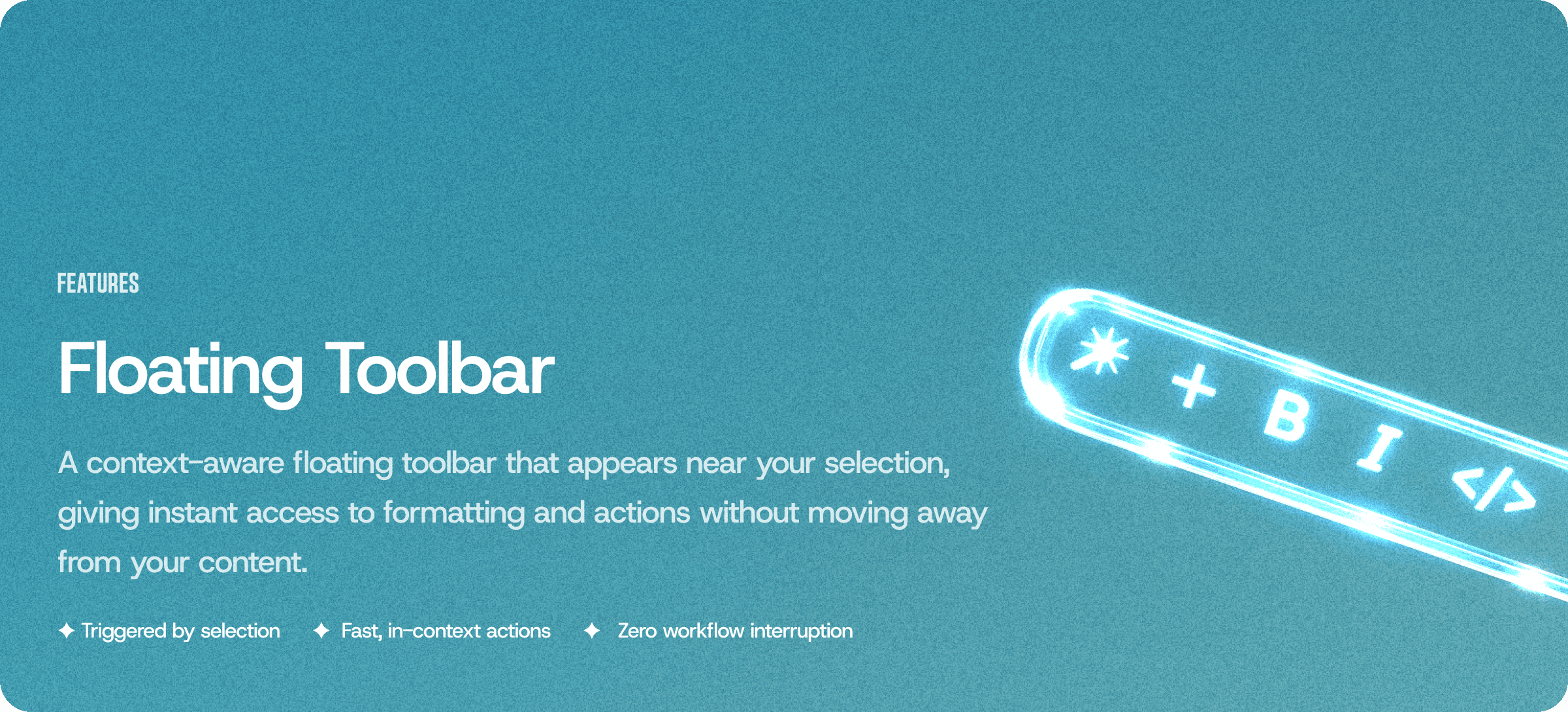
Eddyter's floating toolbar solves this. Appears near the cursor when text is selected. Follows the writing action. Fades when not needed. Mobile-optimized touch targets. WCAG 2.1 AA compliant out of the box.
What the Floating Toolbar Does
Behavior | Detail |
|---|---|
Appears on selection | Materializes near selected text |
Follows cursor | Repositions as user scrolls or resizes |
Fades on blur | Disappears when editor loses focus |
Context-aware | Shows only relevant formatting options |
Mobile touch-ready | 48×48px minimum touch targets |
Keyboard accessible | Full arrow key + Tab navigation |
Screen reader friendly | ARIA live regions announce toolbar state |
Why Floating Toolbars Beat Fixed Toolbars in 2026
Modern writing apps moved to floating toolbars for four reasons:
- ⚡ More writing space — no fixed header eating vertical real estate
- 🎯 Contextual formatting — bold/italic when text selected, link options for URLs, image controls near images
- 📱 Better mobile UX — floating toolbar respects mobile keyboard positioning
- 🎨 Modern feel — matches Notion, Linear, Google Docs UI patterns
The pattern has become standard across best-in-class writing apps: Notion, Linear, Coda, Google Docs, Substack, Ghost all use floating toolbars for text formatting.
For broader context, see Best Rich Text Editor for React 2026 and Best Rich Text Editor for Next.js App Router 2026.
10-Minute Setup — Add a Floating Toolbar to Your React App
Step 1: Get Your API Key
Sign up at eddyter.com and grab your API key from eddyter.com/user/license-key.
Add to .env.local:
bash
Step 2: Install Eddyter
bash
Step 3: Render the Editor With Floating Toolbar
jsx
That's the complete setup. Toolbar appears on text selection. Follows cursor. Fades on blur. Mobile touch targets sized correctly. Full keyboard navigation. Screen reader support.
For advanced customization, see the Eddyter documentation.
Floating Toolbar Across 7 Frameworks
Same behavior. Same API. Different framework syntax.
React 18.2+ / 19.x
jsx
Next.js 14/15 App Router
Add "use client" directive as first line (rich text editors need browser APIs):
jsx
For complete Next.js walkthrough, see How to Add a Rich Text Editor in Next.js 2026 (10-Min Guide).
Vue 3 (Composition API)
vue
For Vue-specific patterns, see Best Rich Text Editor for Vue.js 2026.
Angular 17-20
typescript
Svelte 4/5
svelte
Laravel Blade
blade
Vanilla JavaScript
javascript
Same floating toolbar behavior across all 7 frameworks. One API key covers everything.
Floating Toolbar Configuration Options
Customize the floating toolbar behavior:
jsx
Full API reference in the Eddyter documentation.
Context-Aware Toolbar Behavior
The floating toolbar automatically shows different options based on what's selected:
Selection Type | Toolbar Options Shown |
|---|---|
Plain text | Bold, Italic, Underline, Link, AI actions |
Selected link | Edit link, Remove link, Open link |
Image | Alignment, Resize, Alt text, Replace, Delete |
Table cell | Alignment, Merge, Add row/column, Delete |
Code block | Language selector, Copy, Delete |
List item | Indent, Outdent, Convert to numbered/bullet |
Context-aware behavior means users see only relevant formatting options. Reduces cognitive load. Speeds up formatting decisions.
Mobile Optimization
Floating toolbars need special handling on mobile. Fixed toolbars often get hidden by the on-screen keyboard. Eddyter's floating toolbar handles this automatically:
- ✅ Detects mobile keyboard — toolbar repositions above keyboard when it appears
- ✅ Touch-optimized buttons — 48×48px minimum tap targets (WCAG 2.5.5 Target Size)
- ✅ Swipe gestures — swipe horizontally on toolbar to reveal more options
- ✅ Landscape/portrait aware — adjusts position on orientation change
- ✅ iOS Safari fixes — handles Safari's viewport quirks with dynamic keyboard height
For mobile-specific patterns, see Best Mobile-First WYSIWYG Editor 2026.
Accessibility (WCAG 2.1 AA Compliant)
The floating toolbar meets WCAG 2.1 AA compliance out of the box:
- ✅ Keyboard navigation — Tab, Shift+Tab, arrow keys, Enter, Escape
- ✅ Focus indicators — visible focus rings on all buttons
- ✅ ARIA labels — screen reader announces button purposes
- ✅ ARIA live regions — announces toolbar appearance/disappearance
- ✅ Color contrast — meets 4.5:1 ratio requirements
- ✅ Reduced motion support — respects
prefers-reduced-motionmedia query - ✅ Target size — 48×48px minimum for touch targets
For accessibility deep dive, see Rich Text Editor Accessibility Guide 2026: WCAG 2.1 AA Compliance Tested.
AI Actions in the Floating Toolbar (Premium Plans)
On AI Pro BYOK ($39/mo) and AI Pro Managed ($59/mo), the floating toolbar includes AI actions:
- 🤖 Ask AI — chat about selected text
- ✨ Improve writing — rewrite for clarity
- 🎯 Change tone — formal, casual, professional, friendly
- 📝 Summarize — condense selected text
- 🌍 Translate — translate to 20+ languages
- 🔍 Explain — explain complex terms in plain language
Multi-model AI support: GPT-5, Claude Sonnet 5, Claude Haiku 4.5, Gemini 3.
For AI-focused editor guidance, see Best Rich Text Editor for AI Writing Assistants 2026 and Best Rich Text Editors for AI Apps 2026.
Custom Theming With CSS Variables
Style the floating toolbar to match your brand using CSS variables:
css
No stylesheet overrides needed. CSS variables apply to all toolbar instances scoped to .eddyter-scope.
When to Use Floating Toolbar vs Fixed Toolbar
Eddyter supports both patterns. Pick based on use case:
Choose Floating Toolbar for:
- ✅ Content creation apps (blogs, documents, articles)
- ✅ Notion-style editors
- ✅ Mobile-first writing apps
- ✅ Modern SaaS dashboards
- ✅ AI writing tools
- ✅ Long-form content editing
Choose Fixed Toolbar for:
- ✅ Traditional CMS editors (WordPress-style)
- ✅ Comment boxes and short-form editing
- ✅ Legacy app design systems
- ✅ Rich formatting-heavy documents (technical docs)
- ✅ Users unfamiliar with modern floating patterns
For deeper editor architecture context, see How WYSIWYG Editors Work in 2026: A Developer's Deep Dive.
Combining Floating Toolbar With Other Features
The floating toolbar works with all Eddyter features:
- ✅ Real-time collaboration — toolbar shows collaborator cursor labels (Q3 2026 launch)
- ✅ Slash commands —
/still triggers block insertion menu - ✅ AI streaming — toolbar shows AI generation status
- ✅ Tables — context-aware controls when editing table cells
- ✅ Image upload — image controls appear when image selected
- ✅ Code blocks — language selector appears in code blocks
- ✅ Track changes — accept/reject buttons appear in floating toolbar (Q4 2026)
For related feature guides:
- How to Add a Rich Text Editor in Next.js 2026 (10-Min Guide)
- How to Add Image Upload and Storage to a React Rich Text Editor 2026
- How to Add Real-Time Collaboration to a React Editor With Y.js 2026
- Build a Notion-Style Block Editor in React 2026 (3 Paths)
Frequently Asked Questions
1. How do I add a floating toolbar to my React rich text editor?
Install Eddyter with npm install eddyter, add your API key to .env.local with NEXT_PUBLIC_EDDYTER_API_KEY prefix, and render ConfigurableEditorWithAuth with the toolbar="floating" prop. Under 10 minutes total. Works with React 18.2+/19 and Next.js 14/15. The floating toolbar appears near selected text automatically, follows the cursor as users scroll, and fades when the editor loses focus. Full working code shown in the setup section above. For advanced customization (position, offset, animation), use the toolbarOptions prop.
2. Does the floating toolbar work on mobile devices?
Yes. Eddyter's floating toolbar is mobile-optimized out of the box: detects mobile keyboard appearance and repositions above the keyboard, uses 48×48px minimum touch targets (WCAG 2.5.5 compliant), supports swipe gestures for revealing additional formatting options, handles iOS Safari viewport quirks with dynamic keyboard height, and adjusts position on landscape/portrait orientation change. No mobile-specific configuration required — the same toolbar="floating" prop delivers optimal experience across desktop and mobile.
3. Can I customize which buttons appear in the floating toolbar?
Yes. Use the toolbarOptions.items array to specify which formatting buttons appear. Available options include: "bold", "italic", "underline", "strikethrough", "link", "heading", "list", "quote", "code", "align", "color", "highlight", "ai-chat", "ai-improve", "ai-translate", "ai-tone", "ai-summarize". AI actions available on Premium plans ($39-$59/mo). Context-aware behavior means selected items dynamically show/hide based on selection type (image, code block, table cell) even if included in the base items array.
4. Is the floating toolbar keyboard accessible and WCAG compliant?
Yes. The floating toolbar meets WCAG 2.1 AA compliance out of the box: full keyboard navigation via Tab, Shift+Tab, arrow keys, Enter, and Escape; visible focus indicators on all buttons; ARIA labels announcing button purposes to screen readers; ARIA live regions announcing toolbar appearance and disappearance; 4.5:1 color contrast ratio meeting WCAG SC 1.4.3; 48×48px minimum touch targets meeting WCAG 2.5.5; and prefers-reduced-motion media query support for users with vestibular disorders. Tested against NVDA, JAWS, VoiceOver, and TalkBack screen readers.
5. What frameworks does the floating toolbar support?
The floating toolbar works identically across all 7 Eddyter-supported frameworks: React 18.2+/19, Next.js 14/15, Vue 3 (via @eddyter/vue), Angular 17-20 (via @eddyter/angular), Svelte 4/5 (via @eddyter/svelte), Laravel (via Composer package eddyter/laravel), and Vanilla JavaScript (via @eddyter/core). Same toolbar="floating" prop across all frameworks. Same API key covers all deployments. Working code for each framework shown in the sections above.
6. Can I use the floating toolbar with AI features?
Yes. On AI Pro BYOK ($39/mo) or AI Pro Managed ($59/mo) plans, the floating toolbar includes AI actions: Ask AI (chat about selected text), Improve Writing (rewrite for clarity), Change Tone (formal/casual/professional/friendly), Summarize (condense selected text), Translate (20+ languages), and Explain (plain-language explanations of complex terms). Multi-model AI support means users can switch between GPT-5, Claude Sonnet 5, Claude Haiku 4.5, and Gemini 3 for different tasks. AI actions appear in the toolbar only when relevant text is selected — reducing cognitive load compared to always-visible AI buttons.
Ready to Add a Floating Toolbar to Your React App?
Stop building floating toolbars from scratch. Drop Eddyter into your React, Next.js, Vue, Angular, Svelte, or Laravel app today — context-aware floating toolbar, mobile-optimized touch targets, WCAG 2.1 AA compliant, AI actions on Premium plans. $12-$59/mo flat. 10-minute setup.
👉 Try Eddyter free at eddyter.com
📚 Read the docs
💰 See pricing
🎥 Watch the intro video | Watch the 30-min integration guide


